4
5
6
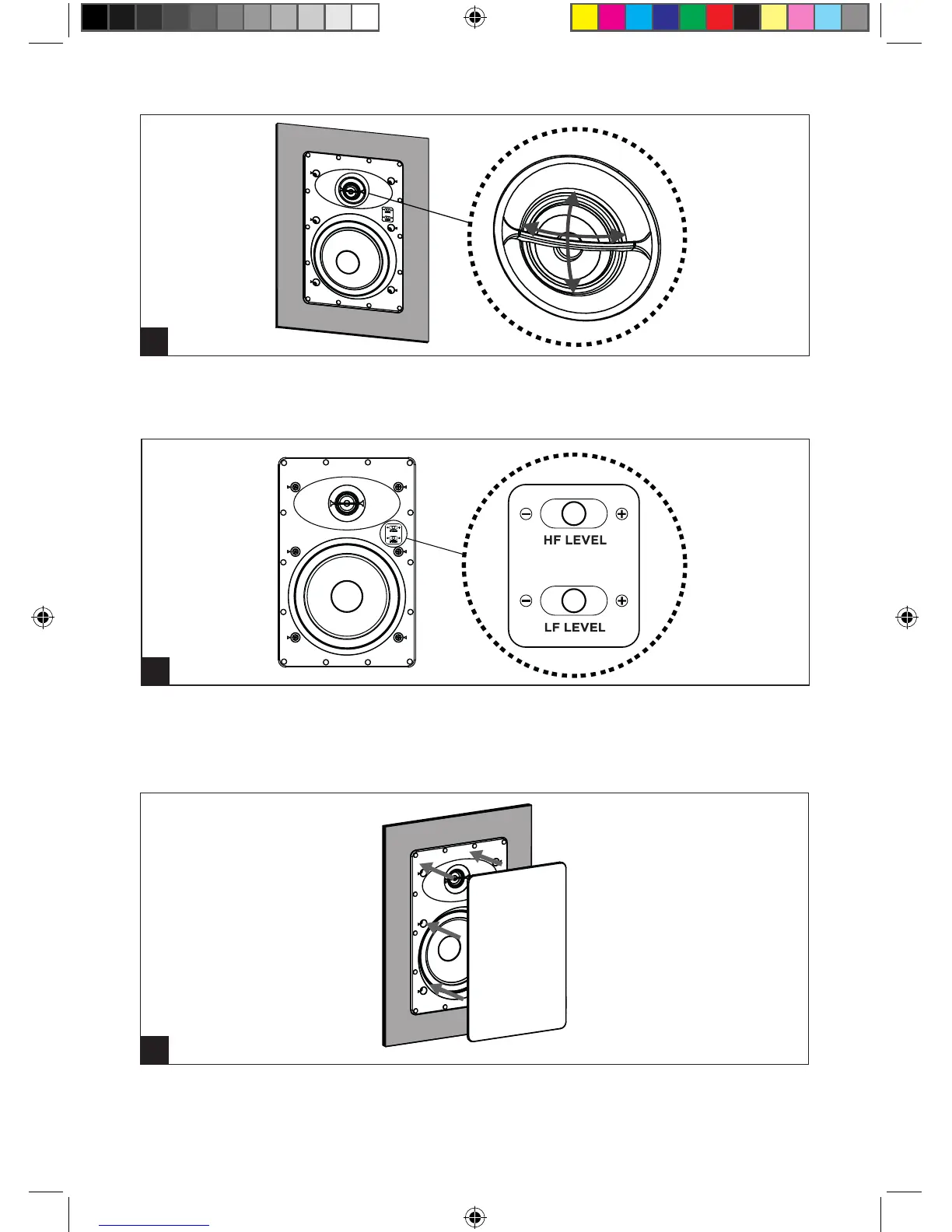
Ajustez l’orientation du tweeter en
direction de la zone d’écoute.
Adjust the tweeter orientation toward
the listening area.
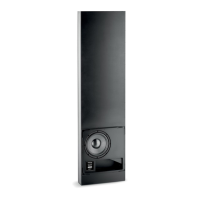
Réglez le niveau sonore du tweeter (HF)
et du woofer (LF) via les commutateurs
situés sur la façade de l’enceinte.
Set the tweeter level (HF) and the
woofer level (LF) with the switches
located in front of the loudspeaker.
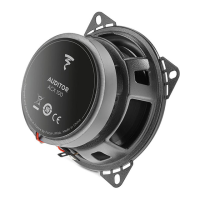
Installez la grille livrée avec le produit
devant l’enceinte.
Install the grille provided with the
product in front of the loudspeaker.
QS_100_series_IW.indd 3 17/11/2017 11:56:34



 To Next Page