User manual
English
Register your product online at www.focal.com/warranty and get your warranty certificate.
Package contents
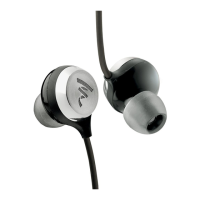
∙ 1 Sphear In-Ear headphones
∙ 3 x 2 silicone tips (S/M/L)
∙ 3 x 2 memory foam tips (S/M/L)
∙ 1 carrying case
Instructions
∙ Never use In-Ear headphones without using the tips provided.
∙ Try the dierent types of tips to find the one which fits your ear canal best and in order to optimise
noise isolation and audio quality. The memory foam tips oer the best noise isolation.
∙ Handling the end pieces with care, applying light pressure and turning clockwise to put them on.
Turning anticlockwise to remove them.
∙ Make sure the you use the ear-piece labelled “L” in the left ear, and the ear-piece labelled “R” in the
right ear.
∙ Connect In-Ear to the audio source using the mini-jack.
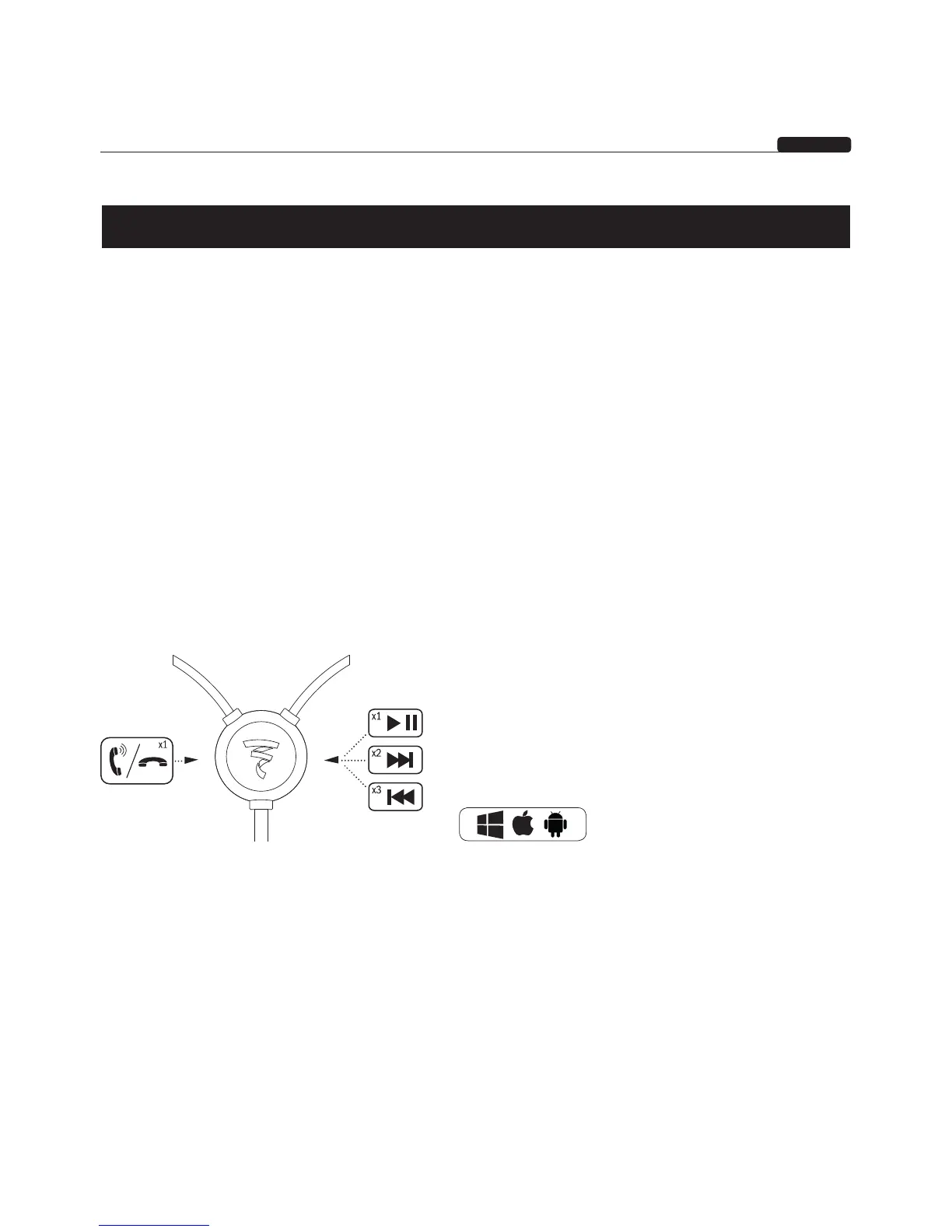
∙ The multifunction remote control enables you to control all your devices connected to In-Ear. The
following are the various commands:
Storage
Wind In-Ear around itself and place in the appropriate compartment in the carrying case. The thickness
of the cables reduces tangling.
Cleaning instructions
We recommend cleaning the tips regularly using a water-based solution. Make sure you remove the ear-
pieces from In-Ear to avoid any damage.
Works with





 To Next Page