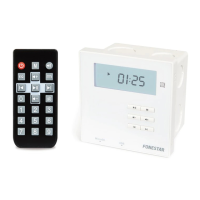
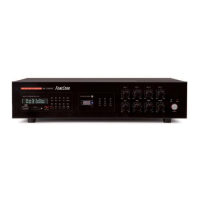
AS-24U
REMOTE CONTROL
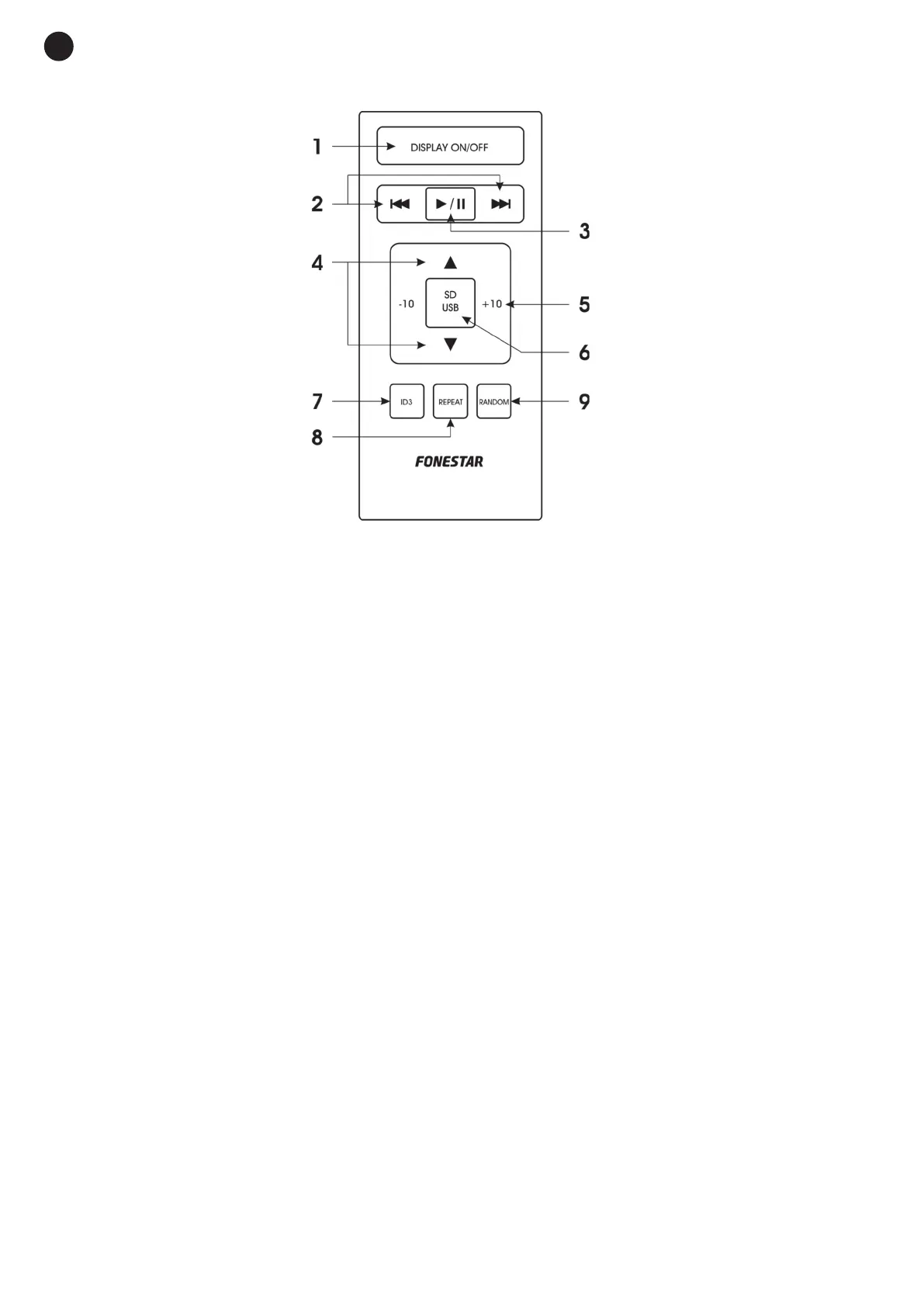
1.- DISPLAY ON/OFF: allows the information display illumination to be activated or deactivated.
2.- 7/8: after stopping playback, you can move among the files in the storage device to choose the track
you wish to play. In playback or pause mode, one short press selects the previous or next file.
3.- 1/2: to start or pause playback.
4.- w/s: to move among files in the storage device.
5.- -10, +10: to skip 10 tracks at a time contained in the storage device.
6.- SD/USB: allows selection between the memory card and USB device as audio source.
7.- ID3: allows switching among the ID3 information in the files as long as it is available. It is possible to
switch among FILE, FOLDER, TITLE, ARTIST and ALBUM.
8.- REPEAT: activates playback modes.
9.- RANDOM: allows random playback of the MP3 files contained in the storage device to be selected.
E
N
- 6-
AS-13_AS-24U_MANUAL_(EN)_20171009_Maquetación 1 9/10/17 12:37 Página 6


 To Next Page