E
N
- 7-
CONNECTION
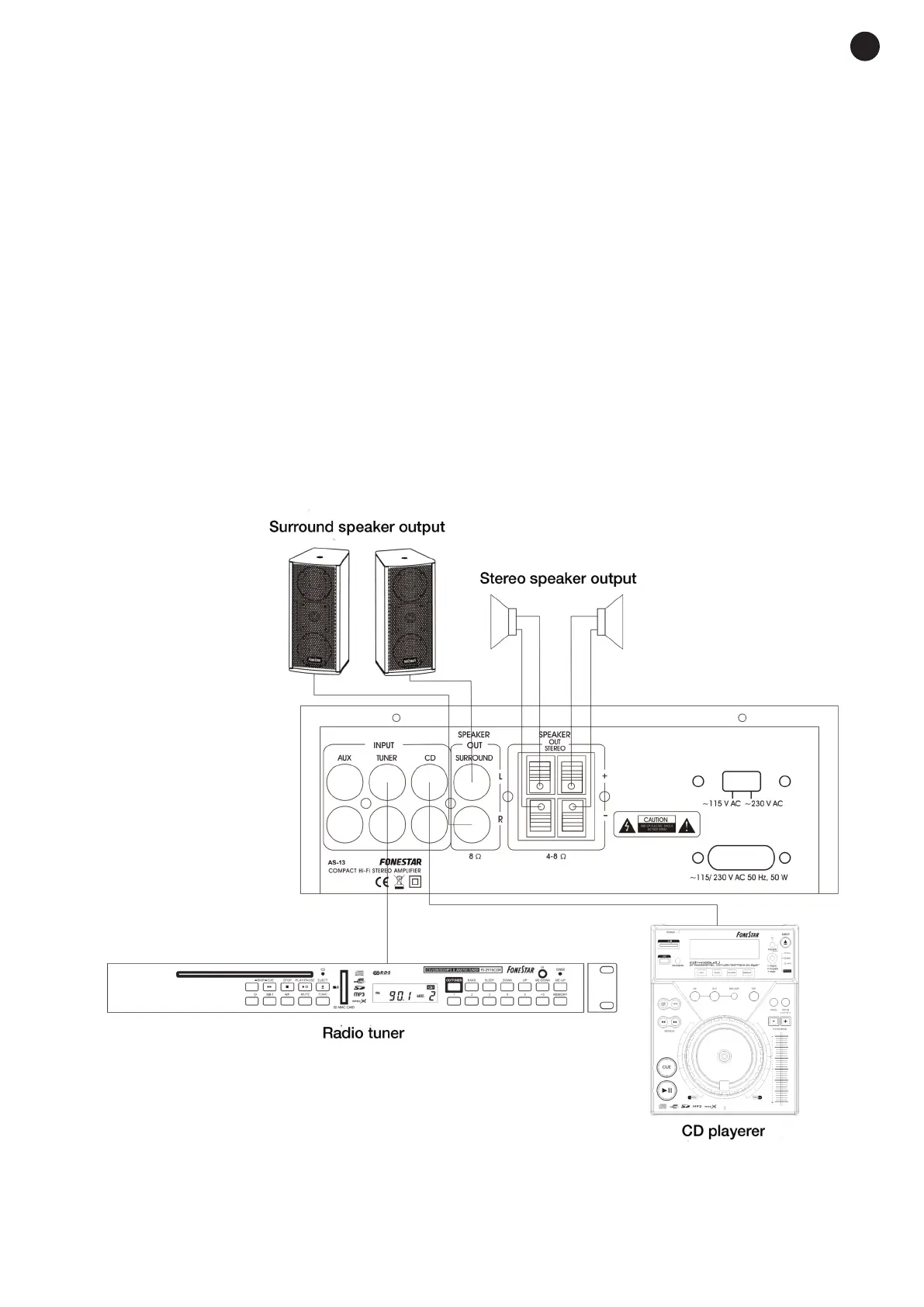
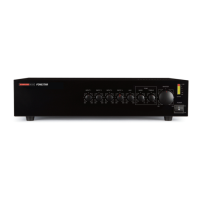
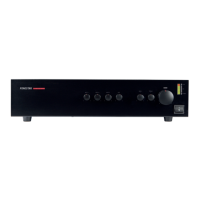
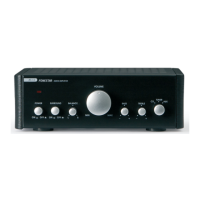
Connect the required audio source (CD, tuner or aux) to the AS-13 or AS-24U amplifier in the corresponding
input on the rear panel. In the case of the model AS-24U amplifier, you could also use an SD memory card
o
r USB device as audio input. Select the inserted input with the control on the front panel.
C
onnect the low impedance loudspeakers to the SPEAKER OUT STEREO loudspeaker output with spring
t
erminals to use the 25 + 25 W output. Connect one loudspeaker to each output. The loudspeaker impedance
must be 4-8 Ω and the power must be greater than that supplied by the amplifier (25W).
The loudspeakers must be connected in a series/parallel circuit so that the loudspeaker load impedance is
equal to the amplifier output impedance and the power supplied by the amplifier does not exceed that
withstood by the loudspeakers.
If you wish to use the 10 + 10 W SURROUND output, connect one loudspeaker to the L channel and another
to the R channel with the RCA connectors. The loudspeaker impedance must be 4 or 8 Ω (recommended)
and the power must be greater than that supplied by the amplifier (10 W). To activate the SURROUND output,
you must activate the corresponding control on the front panel of the device. It is necessary to connect 2
channels at the same time due to the internal connection of the SURROUND output being in series.
If connecting 4 Ω loudspeakers in the SURROUND output, the loudspeakers connected in the SPEAKER
OUT STEREO output must be 8 Ω.
Once the connections have been made according to your needs, connect the equipment to the mains and
switch it on. After use, do not forget to switch it off and disconnect the equipment from the mains.
AS-13_AS-24U_MANUAL_(EN)_20171009_Maquetación 1 9/10/17 12:37 Página 7


 To Next Page