EasyManua.ls Logo

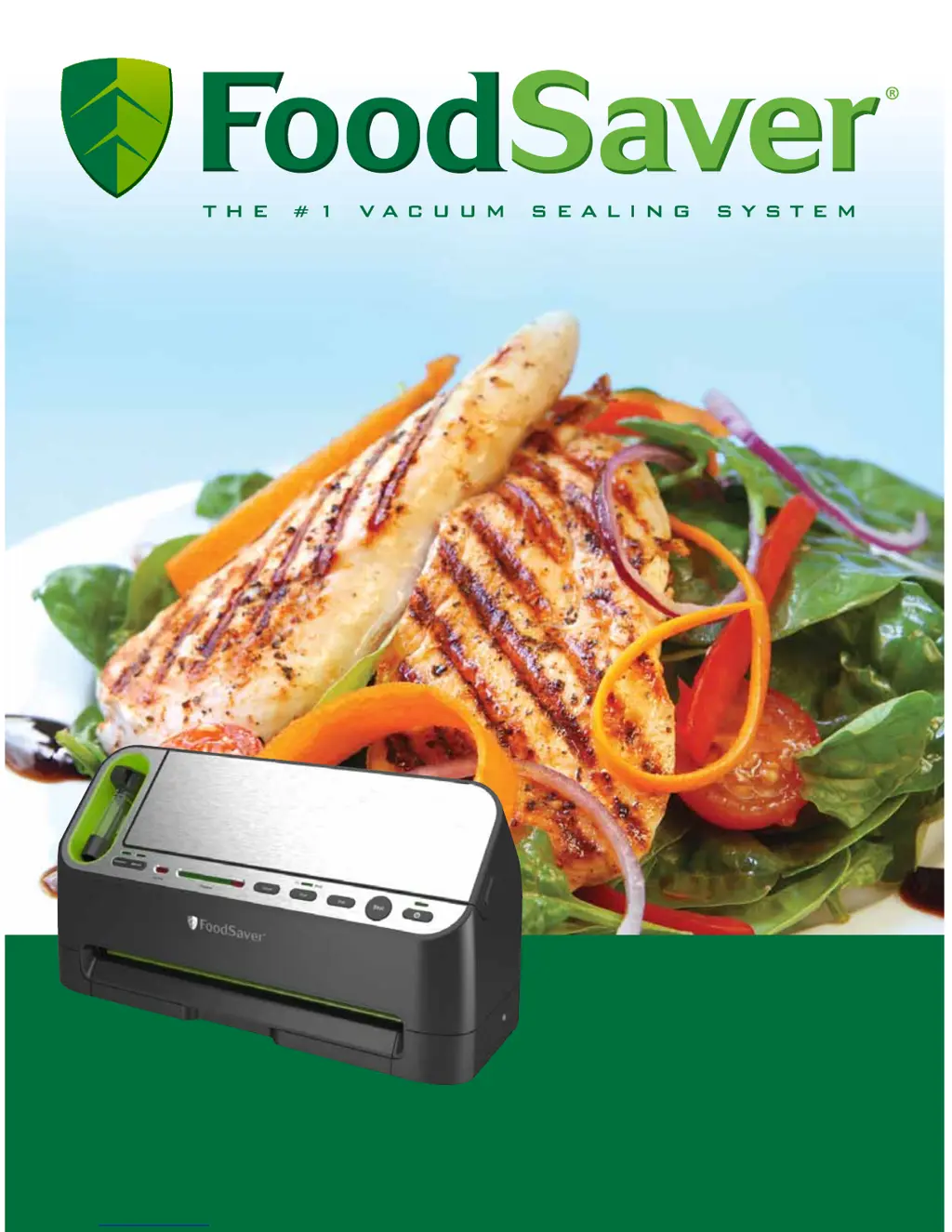
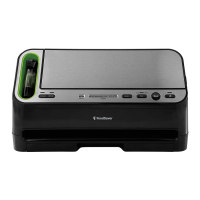
FoodSaver V4400 series - User Manual

FoodSaver V4400 series
24 pages
Print Icon
To Next Page IconTo Next Page
Loading...
User Manual
& Recipe Book
for V4400 series appliances
www.foodsaver.com 1-877-777-8042

Other manuals for FoodSaver V4400 series

Questions and Answers

  • T
    Tonya WilsonAug 17, 2025
    What to do if the vacuum pump is running, but the bag is not evacuating air in my FoodSaver V4400 Kitchen Appliances?
    • R
      Rachel JohnstonAug 17, 2025
      If your FoodSaver Kitchen Appliance's vacuum pump is running but not removing air from the bag, several factors could be at play. If you're using a roll to make a bag, ensure that one end is properly sealed. Also, adjust the bag to ensure the open end is correctly positioned inside the Drip Tray. Check for any wrinkles along the Sealing Strip, gently stretching the bag flat during insertion to avoid them. Finally, inspect the bottom gasket of the drip tray for any foreign objects, dirt, or debris.
  • J
    Jacob SmithAug 19, 2025
    Why is the bag not sealing properly with my FoodSaver V4400 Kitchen Appliances?
    • J
      Johnny WattsAug 19, 2025
      If your FoodSaver Kitchen Appliance bag isn't sealing correctly, it could be due to a few reasons. If there's too much liquid in the bag, try freezing the contents before vacuuming. Wrinkles in the bag can also prevent a proper seal; gently stretch the bag flat when inserting it into the Vacuum Channel. Lastly, if the unit has overheated, allow it to cool down for several minutes before attempting to seal again.
  • L
    Leah BennettAug 22, 2025
    Why is the red seal LED flashing on my FoodSaver Kitchen Appliance?
    • K
      kylemcdonaldAug 22, 2025
      If the red seal LED is flashing on your FoodSaver Kitchen Appliance, it might be due to a few reasons. First, ensure the bag is correctly inserted; if not, remove it, wait for the flashing to stop, and re-insert. Also, allow 20 seconds between seals to prevent overheating. If the vacuum pump runs for over 120 seconds without evacuating air, consult the section about ‘Vacuum Pump is running, but bag is not evacuating air’. Finally, if the unit overheats, wait 20 minutes for it to cool down, always allowing 20 seconds between seals.
  • B
    Betty WilliamsAug 25, 2025
    Why does air re-enter the bag after using my FoodSaver Kitchen Appliances?
    • K
      kennethmillerAug 26, 2025
      Several factors can cause air to re-enter a FoodSaver Kitchen Appliance bag after vacuuming. A wrinkle along the seal might be the culprit; gently stretch the bag flat when inserting it into the Drip Tray to avoid this. Moisture or food material along the seal can also interfere with proper sealing; try cutting the bag open, wiping the top inside, and resealing. Sharp food items may have punctured the bag, in which case you should use a new bag or cover the items with a soft material like a paper towel before resealing. Fermentation or natural gases from the food could also be the cause, indicating spoilage and the need to discard the food. Finally, the bag itself might be faulty or punctured, so try using a different bag.
  • K
    kevin31Aug 27, 2025
    Why is the bag melting in my FoodSaver Kitchen Appliances?
    • A
      Alexander BowmanAug 27, 2025
      If you notice the bag melting while using your FoodSaver Kitchen Appliance, it could be because the sealing strip has become too hot. Always wait at least 20 seconds for the appliance to cool down before vacuum sealing another item. It's also important to use FoodSaver® brand bags, as they are specifically designed for use with FoodSaver® units.
  • J
    Jacob KimAug 30, 2025
    How to fix no lights on the control panel of my FoodSaver Kitchen Appliances?
    • D
      Dennis GrayAug 31, 2025
      If your FoodSaver Kitchen Appliance is not turning on, start by ensuring the unit is properly plugged into a functional wall outlet. If it's plugged in, try pressing the On/Off button to see if that activates the control panel.
  • A
    Andre MendezSep 2, 2025
    What to do if nothing happens when bag is inserted into my FoodSaver Kitchen Appliances?
    • M
      Mark EvansSep 2, 2025
      If nothing happens when you insert a bag into your FoodSaver Kitchen Appliance, first ensure that the unit has power. Also, if the Drip Tray is full, empty it, clean it, and then place it back into the appliance. Avoid overfilling the bags, and leave about 3 inches (7.62 cm) of space between the contents and the top of the bag. Finally, make sure the bag is correctly inserted, curled down, and gently stretched flat while inserting. Hold the bag in place until the Vacuum Pump starts.
  • T
    Terri RamirezSep 4, 2025
    Why is the 'Tray Full' LED flashing on my FoodSaver Kitchen Appliances?
    • M
      melinda55Sep 4, 2025
      If the 'Tray Full' LED is flashing on your FoodSaver Kitchen Appliance, it typically indicates that the Drip Tray contains liquid or may be dirty. To resolve this, empty any liquid from the Drip Tray, thoroughly clean it, and then place it back into the appliance.
  • S
    shelia74Sep 8, 2025
    Why won't my FoodSaver V4400 Kitchen Appliances container vacuum?
    • E
      Edward HarrisSep 8, 2025
      If the FoodSaver® Container is not vacuuming, ensure the Container Lid is correctly aligned with the Container opening, that you press the Accessory button, the Container Lid is closed securely on all 4 sides of the Container, the rubber Gasket on the inside of the Lid is free from food residues, the Container rim doesn't have cracks or scratches, and the Container valve is clean.
  • H
    Heather LittleSep 12, 2025
    Why is the retractable handheld sealer not sealing on my FoodSaver V4400?
    • J
      Jennifer PerezSep 12, 2025
      If the Retractable Handheld Sealer on your FoodSaver Kitchen Appliance isn't sealing, make sure the zipper is firmly closed by sliding your fingers across it entirely. Ensure the air valve is on a flat surface, repositioning the bag if necessary, so there's no food underneath. Press evenly and gently to ensure the Vacuum Nozzle and Bag touch for an optimal seal. You might also try pressing the Handheld Sealer firmly onto the gray valve and ensuring the Handheld Sealer is in the center of the gray valve.

Summary

Important Safeguards

Important Tips

Features of Your FoodSaver Appliance

Controls and Indicator Lights

Displays current settings and vacuum progress for control.

Retractable Handheld Sealer

Used with various FoodSaver accessories like Zipper Bags.

Drip Tray and Vacuum Progress Display

Indicates drip tray status and shows vacuuming/sealing progress.

Seal and Power Buttons

Buttons for sealing operations and appliance power.

Power Cord Storage

Convenient storage for the power cord at the bottom of the unit.

Appliance Features (Continued)

Appliance Door and Built-in Roll Holder

Provides access to roll holder and cutter for bag creation.

Bag Cutter and Auto Sensing

Simplifies bag making and features auto bag sensing for sealing.

Sealing Strip and Drip Tray

Features an extra-wide sealing strip and a removable drip tray.

Control Panel Overview

Accessory and Marinate Mode Buttons

Buttons to select accessory mode or initiate the marinate cycle.

Indicators and Progress Displays

Lights indicating drip tray status, vacuum progress, and sealing operation.

Cancel, Settings, Seal, and Power Buttons

Buttons for halting operations, adjusting settings, sealing, and power.

Retractable Handheld Sealer Operation

Details on using the detachable tool for sealing bags and accessories.

How To Use Your FoodSaver

Make a Bag from a Roll

Step-by-step instructions for creating custom-sized bags from a roll.

Vacuum Seal Items

Procedures for vacuum sealing food using pre-made bags.

Use Accessories

Instructions for utilizing FoodSaver accessories like bags, containers, and canisters.

Empty Drip Tray

Steps for removing, emptying, and cleaning the appliance's drip tray.

Special Functions

Marinate Foods

Detailed guide on using the Quick Marinate Cycle for flavor infusion.

Care and Cleaning

Trouble-Shooting

Guidelines for Vacuum Packaging

Food Safety and Preparation

Covers food safety, preparation for meat, cheese, and vegetables.

Food Preparation and Reheating

Tips for preparing and reheating vacuum-packaged foods and specific food types.

Vacuum Packaging Non-Food Items

Instructions for vacuum packaging items like silver, camping gear, and emergency kits.

Storage Guide

Recipes for Your Appliance

Warranty Information

Limited Warranty Coverage

Explains the terms, conditions, and exclusions of the 5-year limited warranty.

Obtaining Warranty Service

Provides instructions on how to get warranty service in the US and Canada.

FoodSaver V4400 series Specifications

General IconGeneral
TypeVacuum Sealer
Automatic Bag DetectionYes
Built-in Roll Storage and CutterYes
Moist/Dry Food SettingsYes
Removable Drip TrayYes
Marinate ModeYes
Accessory PortYes

Related product manuals