WIZARD 4000
0
1
2
3
4
5
6
7
8
9
SCALE
SELECT
DISPLAY
SELECT
TOTALS
TANK
LOAD
MENU
MENU
ENTER
AMOUNT USED
SCALE 1 = 7687 LB
SCALE 2 = 6521 LB
MENU
MENU
DEL
DEL
TANK
LOAD
SCALE
SELECT
ENTER
%
TOTALS
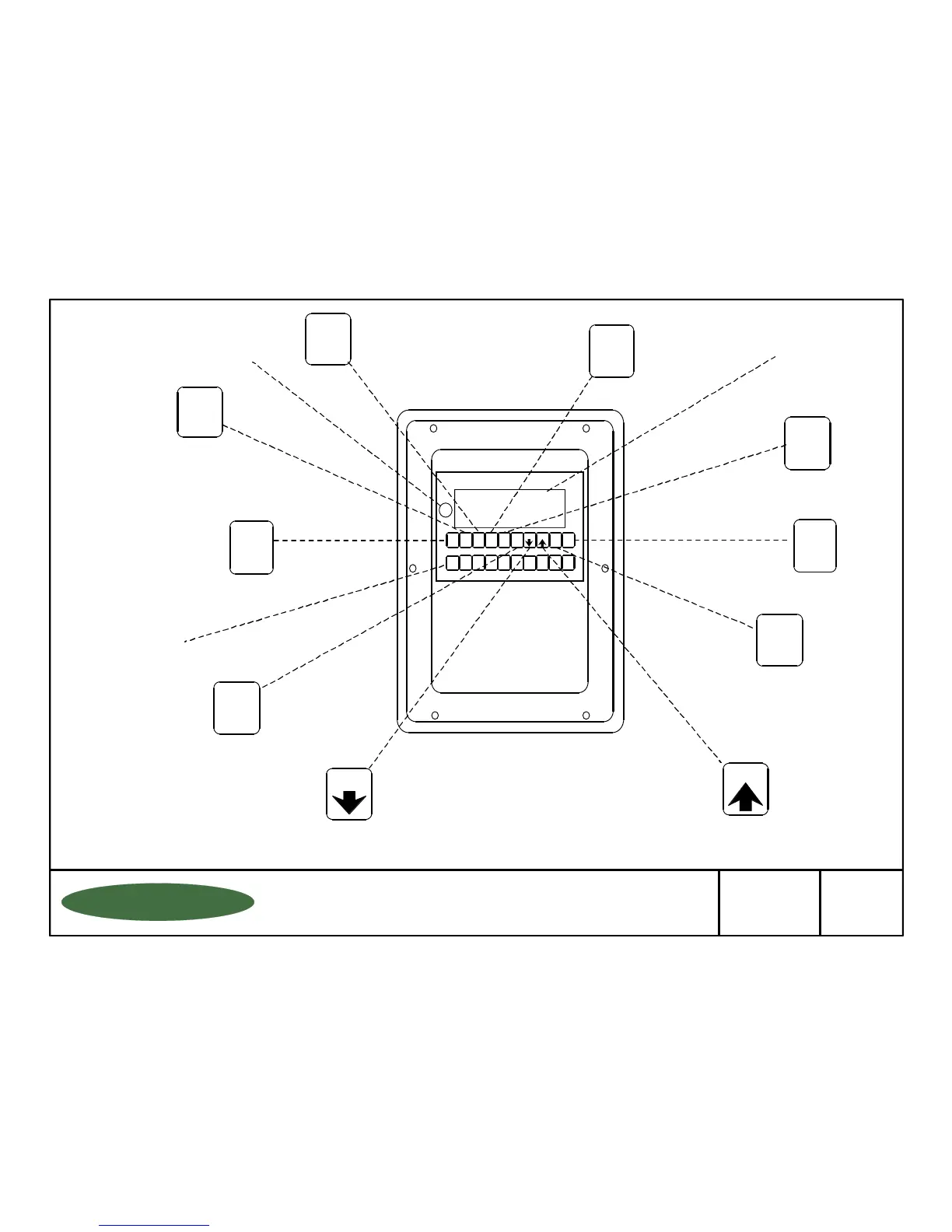
Toggles through a
multi-function display
for each scale.
Toggles through a
multi-function display
for the totals of all scales.
Toggles
Between
Individual
Scales
Scrolls
Back
Through
the Menu
OPERATIONS MENU
LOW LEVEL ALARM........................
DATE LAST CLEARED....................
CLEAR AMOUNT USED..................
SET SCALE ZERO/ENTER TARE..
ALARM RESET................................
REVIEW DAILY USE.......................
FUNCTION DESCRIPTION
Entering of low level setpoint
Date the "amount used" was last reset
Clears the "amount used" display
Zero's the display
Resets the low level alarm (if set in
the latching mode)
Reviews past 10 days usage
Backspace
or Escape
Menu Operations
Data Entry
and Menu
Function
Access
"Time" and
"Date"
Displays
Percent
of Full
Reset Button (Resets
screen to opening menu
in case of entry error)
Single or Dual
Display (16
Characters
per Line Screen)
Total Remaining
Total Used
Total Feed Rate
Net Remaining
Amount Used
Average Feed Rate
Days Until Empty
Daily Usage
If applicable:
Tare Weight
Gross Weight
Scrolls
Forward
Through
the Menu
Loading
New Tanks
or Chemicals
Numeric
Data Entry
Key Pad
DISPLAY
SELECT
TIME
DATE
TIME
DATE
%
1150-D Burnett Ave, Concord, CA 94520 USA
1-800-893-6723 US & Canada, Fax: 925-686-6713
www.forceflow.com / info@forceflow.com
Drawn by: SLP
Date: 09/01/95
Revised: 11/01/99
Scale: NONE
Drawing Number
File: T4\O&M\AWZMSTR\WZBUTTON.tcw (B05.pdf) 10/20/99
29887
WIZ
INDICATOR BUTTON
FUNCTIONS LIST FOR
WIZARD INDICATOR
FORCE FLOW
FORCE FLOW
F
F
L
L
O
O
Q
Q
I
I
U
U
P
P
W.2.101



 To Next Page