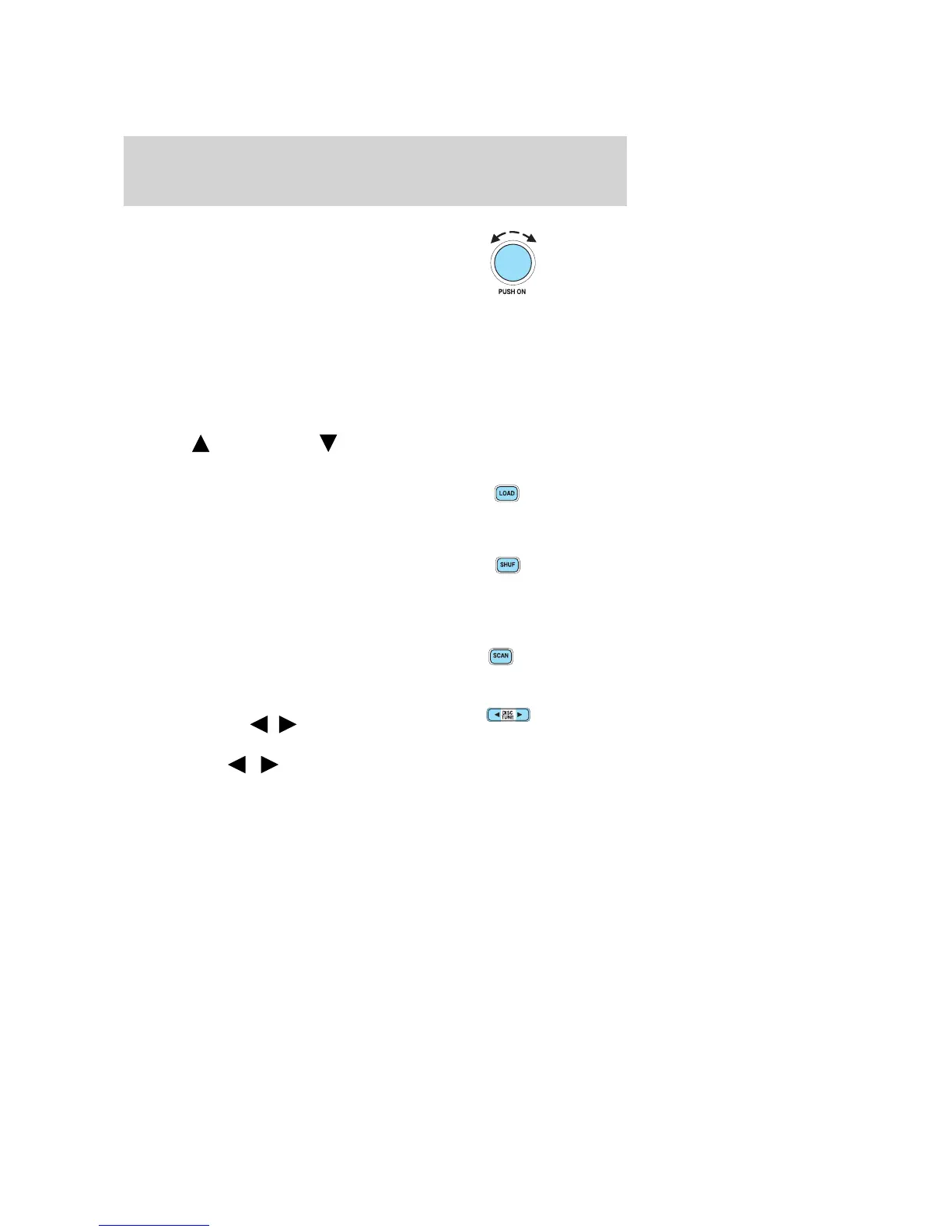
13. Power/volume: Press to turn
ON/OFF; turn to increase or
decrease volume levels.
If the volume is set above a certain
level and the ignition is turned off,
the volume will come back at a
“nominal” listening level when the ignition switch is turned back on.
Speed sensitive volume: Radio volume changes automatically and
slightly with vehicle speed to compensate for road and wind noise.
Recommended level is 1–3. Level 0 turns the feature off and level 7 is
the maximum setting.
Press and hold the volume control for five seconds. Then press SEL to
increase (
) or decrease ( ) the volume setting. The level will
appear in the display.
14. Load: Press LOAD and a
memory preset to load a CD into a
specific slot. Press and hold for
autoload feature which allows you to load up to six discs at one time.
15. Shuffle: Press to select either
SHUFFLE DISC (randomly plays
tracks from all loaded CDs) or
SHUFFLE TRAK (randomly plays tracks on current CD). Press again to
disengage.
16. Scan: Press for a brief sampling
of radio stations or CD tracks. Press
again to stop.
17. Disc/Tune: Press to manually
tune down or up (
/ )the
frequency band or to select the
previous/next (
/ ) disc in CD mode.
RADIO FREQUENCIES
AM and FM frequencies are established by the Federal Communications
Commission (FCC) and the Canadian Radio and Telecommunications
Commission (CRTC). Those frequencies are:
AM - 530, 540–1700, 1710 kHz
FM- 87.7, 87.9–107.7, 107.9 MHz
2003 Thunderbird (tbr)
Owners Guide (post-2002-fmt)
USA English (fus)
Entertainment Systems
19










 To Next Page