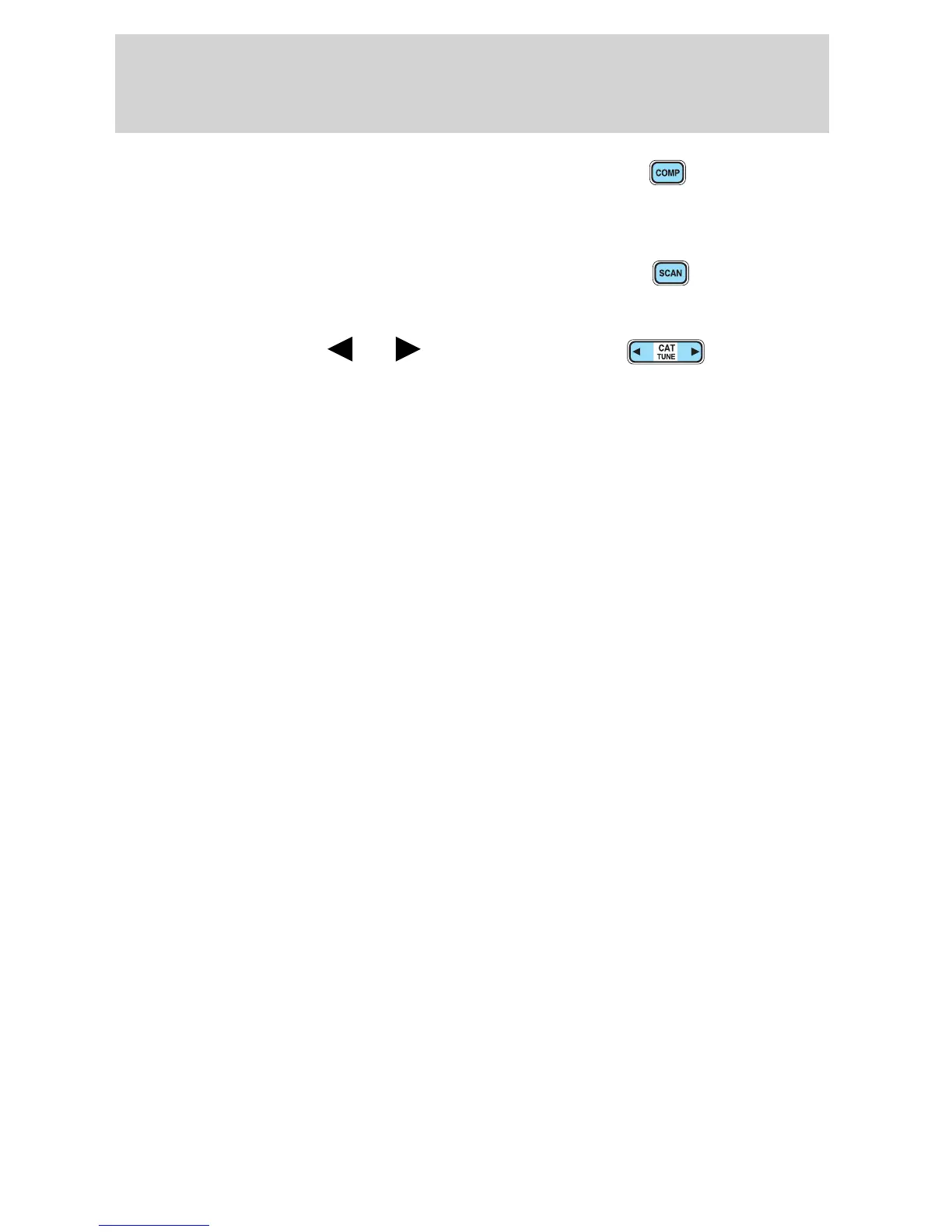
21. COMP(Compression): Brings
soft and loud CD passages together
for a more consistent listening level
when in CD mode. Press COMP to turn the feature ON/OFF.
22. Scan: Press SCAN to hear a
brief sampling of radio stations or
CD/MP3 tracks. Press again to stop.
23. CAT/Tune: Press
or to
manually tune down/up the radio frequency band.
CAT: CAT is only available when equipped with Satellite Radio. Your
radio comes equipped with Satellite ready capability. The kit to enable
Satellite reception is available through your dealer. Detailed Satellite
instructions are included with the dealer installed kit.
Dealer installed satellite kit only available in the continental United
States.
For information regarding SIRIUS Satellite Radio, please call toll-free
888-539-SIRIUS (888-539-7474) or visit the SIRIUS website at
www.siriusradio.com
24. CD slot: Insert a CD with the label side up.
2005 Explorer Sport Trac (p27)
Owners Guide (post-2002-fmt)
USA (fus)
Entertainment Systems
35










 To Next Page