Deleting a previous destination
• Use the cursor control to select
the destination to be deleted.
• Press DELETE.
A confirmation screen will appear
before the deletion is complete.
Entering a destination using the keyboard of lists
After selecting the desired choice
from the Destination Entry menu,
there are two main ways to enter
your destination in the VNR system:
Keyboard – the keyboard display
enables you to spell out a town, city,
street or point of interest.
• Use the cursor control to
highlight the desired character(s).
• Push in the control to confirm the selection. A highlight bar will
automatically begin searching the current files for the listing.
• To move back to previously selected characters, press DELETE.
List – Your VNR system shows a list of town/cities, streets or points of
interest and a highlight bar indicates the line selected. You may choose
any of these for a destination.
• Press LIST to enter list mode.
• Use the cursor control to scroll through the selections.
• Press in the cursor control to confirm the selection.
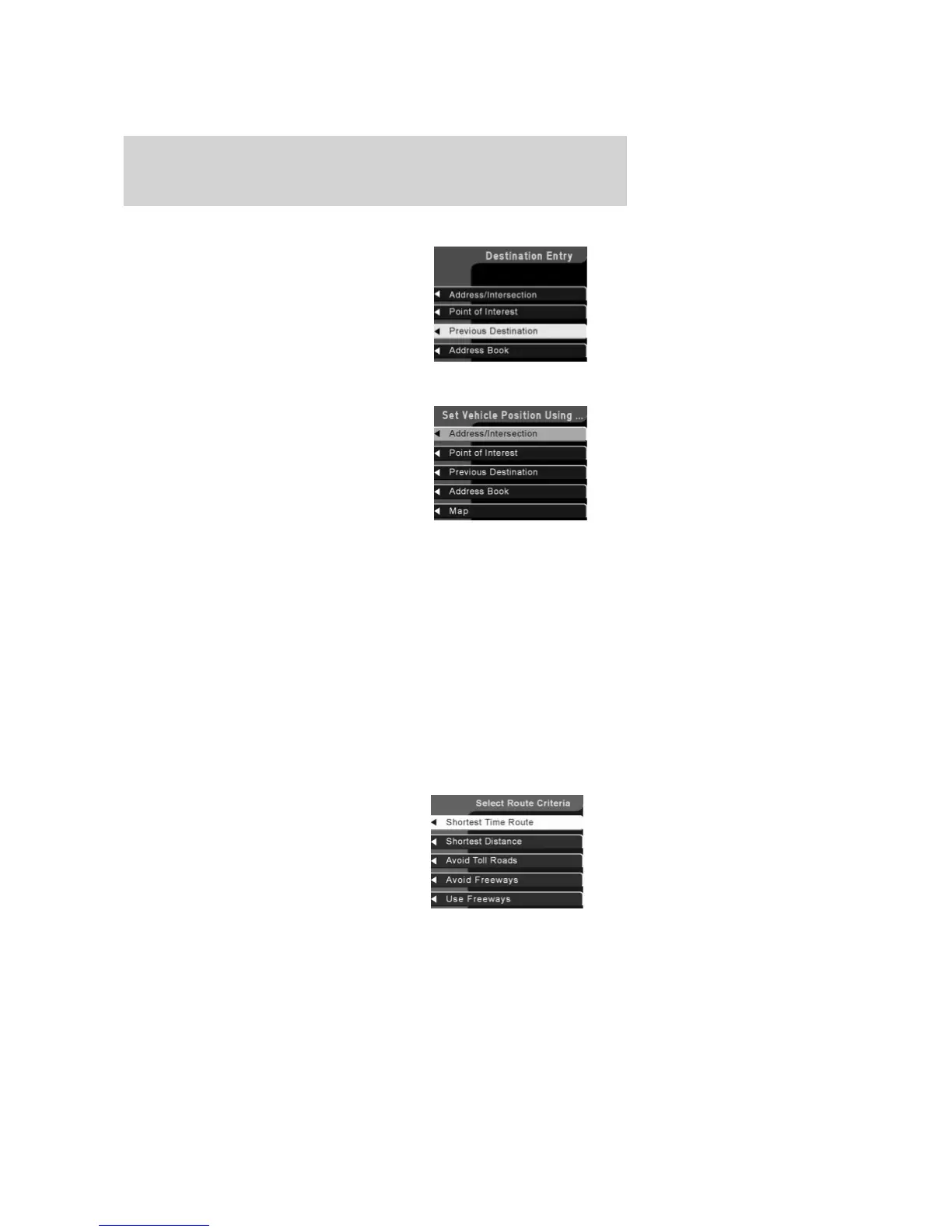
Selecting Route Criteria
Once you have selected a
destination, select from the
following route criteria:
2006 Expedition (exd)
Owners Guide (post-2002-fmt)
USA (fus)
Entertainment Systems
72



 To Next Page
 Loading...