Trip odometer: Registers the miles (kilometers) of individual journeys.
• With Mini Message center
Tap on the TRIP/RESET stem to
toggle the display between the trip
and the odometer. Press the stem
again to select Trip A and Trip B
features. Holding the TRIP/RESET stem for two seconds or more will
reset the trip odometer to zero.
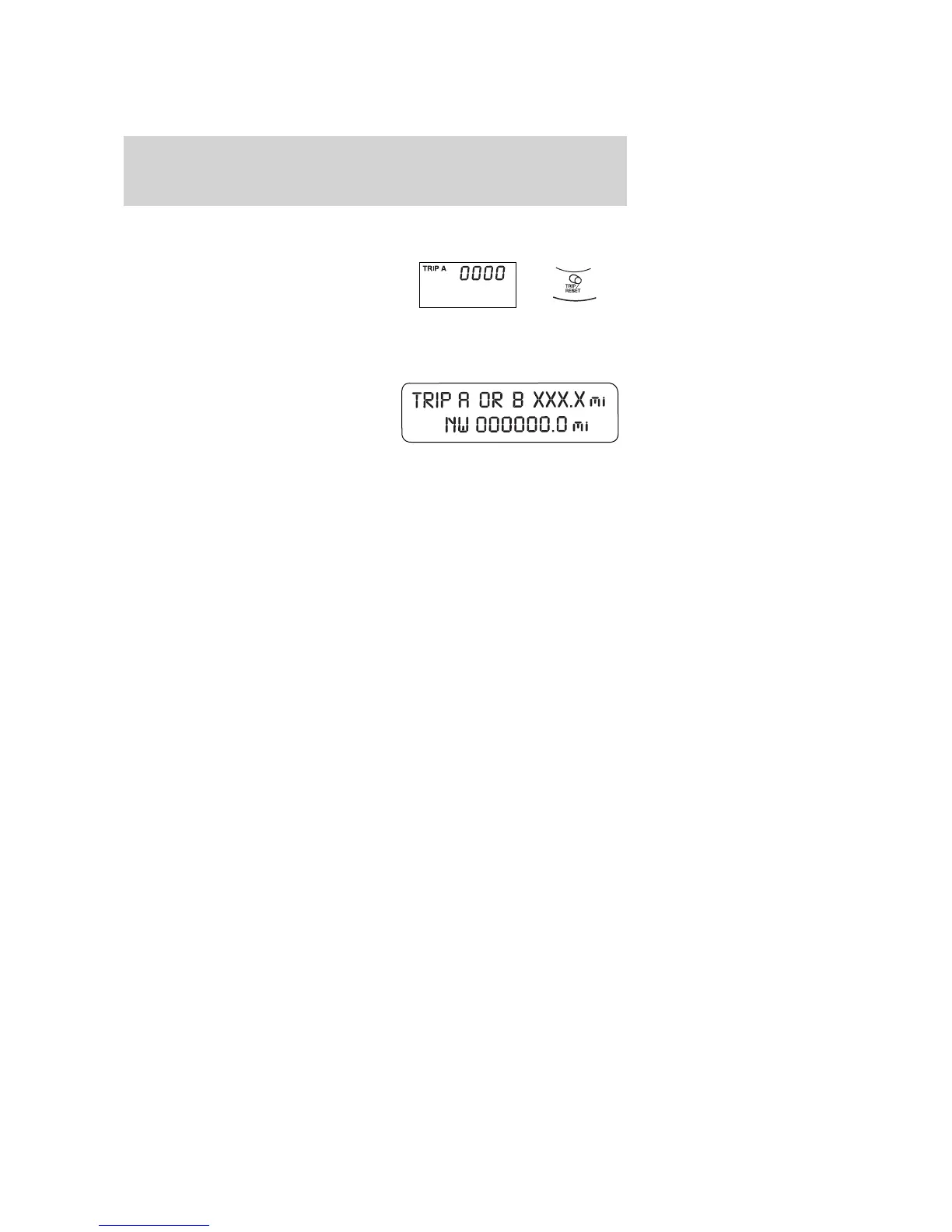
• With Message center
Press and release the message
center INFO button until “TRIP”
appears in the display (this
represents the trip mode). Press the
control again to select Trip A and
Trip B features. Press and hold the RESET button for two seconds to
reset.
2008 Edge (edg)
Owners Guide (post-2002-fmt)
USA (fus)
Instrument Cluster
17



 To Next Page
 Loading...