AUDIO SYSTEMS
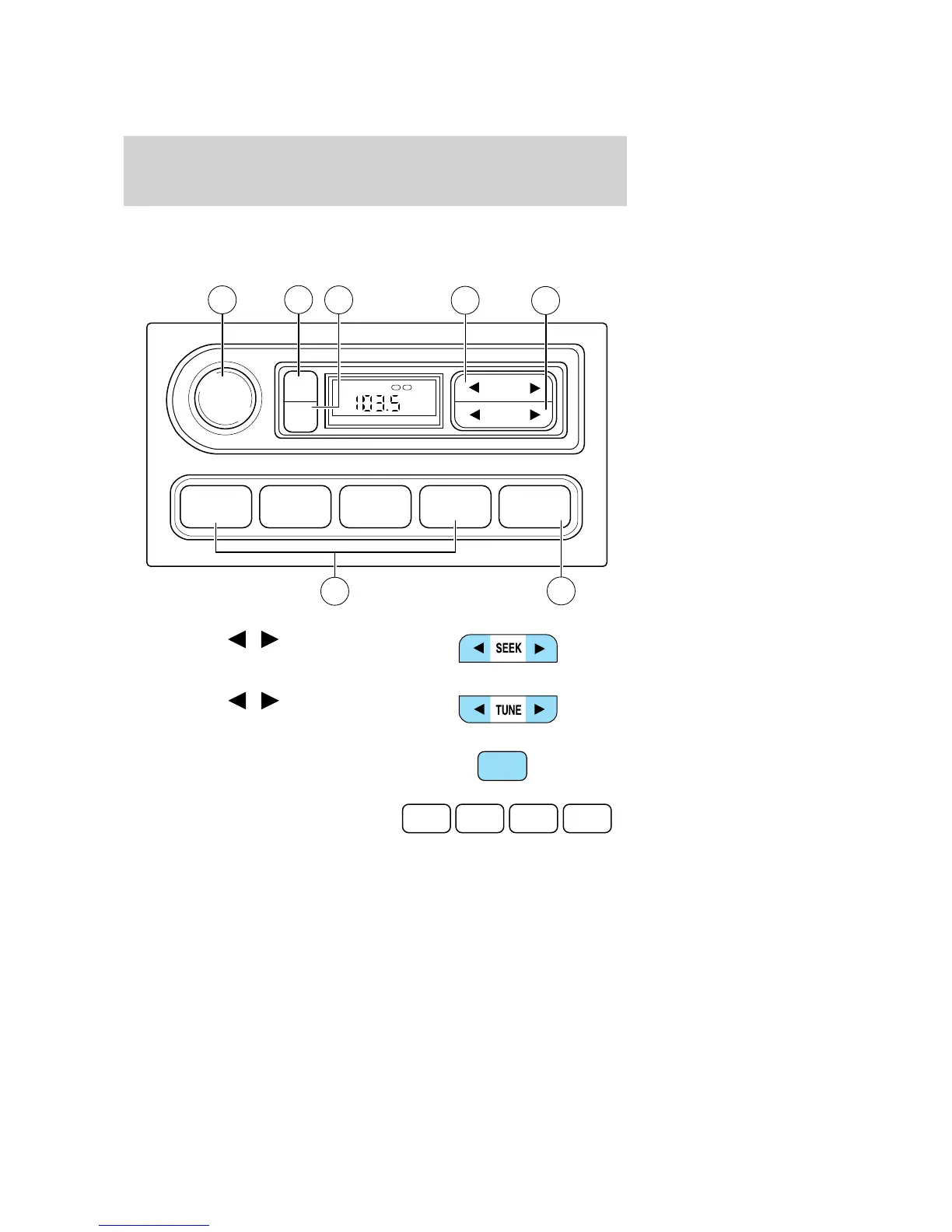
AM/FM stereo (if equipped)
1. Seek: Press
/ to find the
next strong station down/up the
frequency band.
2. Tune: Press
/ to manually
change radio frequency down/up.
3. AM/FM: Press to choose a
frequency band in radio mode.
4. Memory preset buttons: To set
a station: Select frequency band
AM/FM; tune to a station, press and
hold a preset button until sound returns.
1 2 3 4 AM/FM
SEEK
TONE
CLK
TUNE
TONE VOL
12
FM
ST DX
VOL
PUSH
ON
5
3
6
7
4
1
2
AM/FM
1 2 3 4
2008 Crown Victoria (cro)
Owners Guide (post-2002-fmt)
USA (fus)
Entertainment Systems
18













 To Next Page