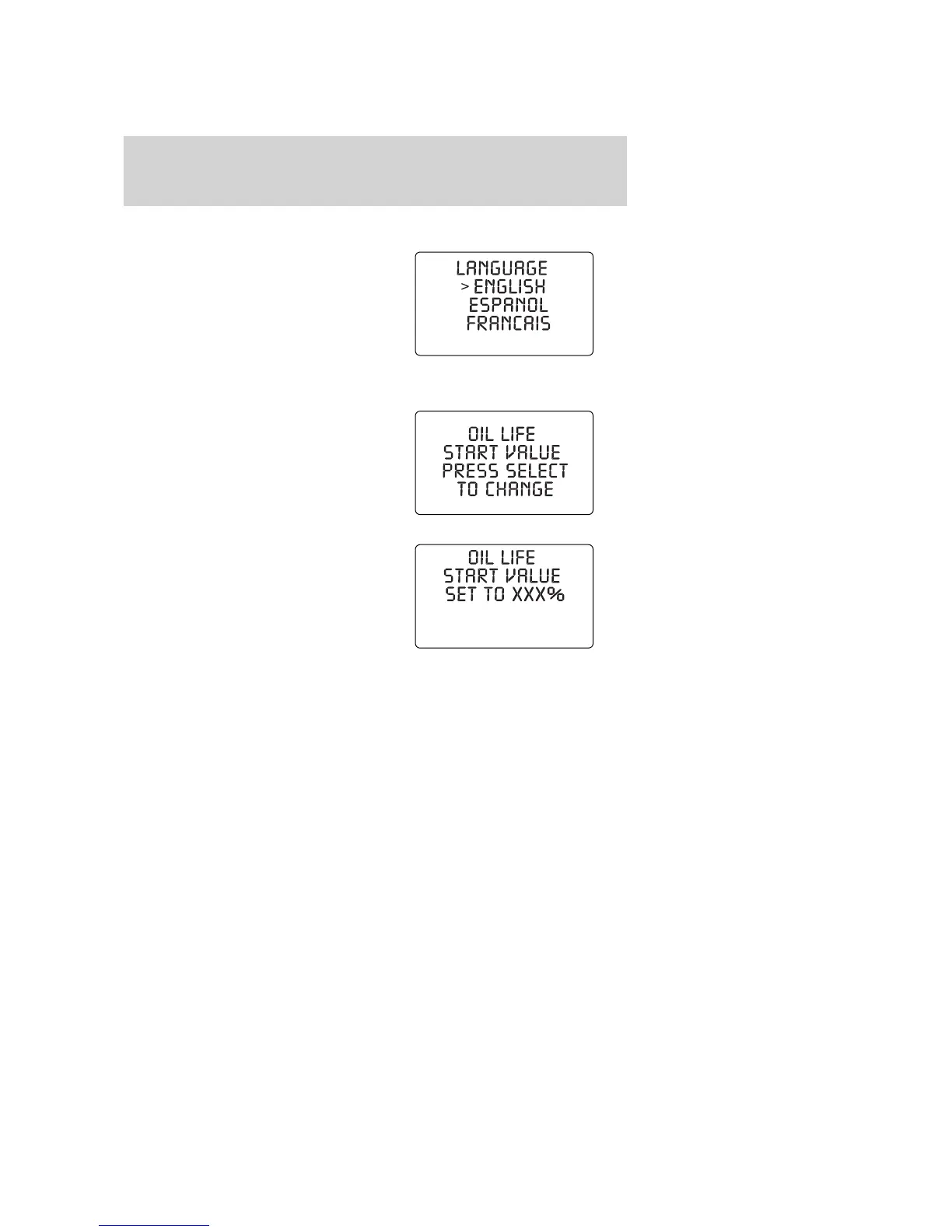
Language
1. Select this function from the
SETUP menu for the current
language to be displayed.
2. Pressing the SELECT control
cycles the message center through
each of the language choices.
Oil Minder Start Value
1. Select this function from the
SETUP control for the current
display mode.
2. Press the SELECT control to
change oil value.
System warnings
System warnings alert you to possible problems or malfunctions in your
vehicle’s operating systems.
In the event of a multiple warning situation, the message center will
cycle the display to show all warnings by displaying each one for 4
seconds.
The message center will display the last selected feature if there are no
more warning messages. This allows you to use the full functionality of
the message center after you acknowledge the warning by pressing the
RESET control and clearing the warning message.
Warning messages that have been reset are divided into three categories:
• They cannot be reset until the condition is corrected.
• They will reappear on the display ten minutes from the reset.
2008 Crown Victoria (cro)
Owners Guide (post-2002-fmt)
USA (fus)
Driver Controls
80













 To Next Page