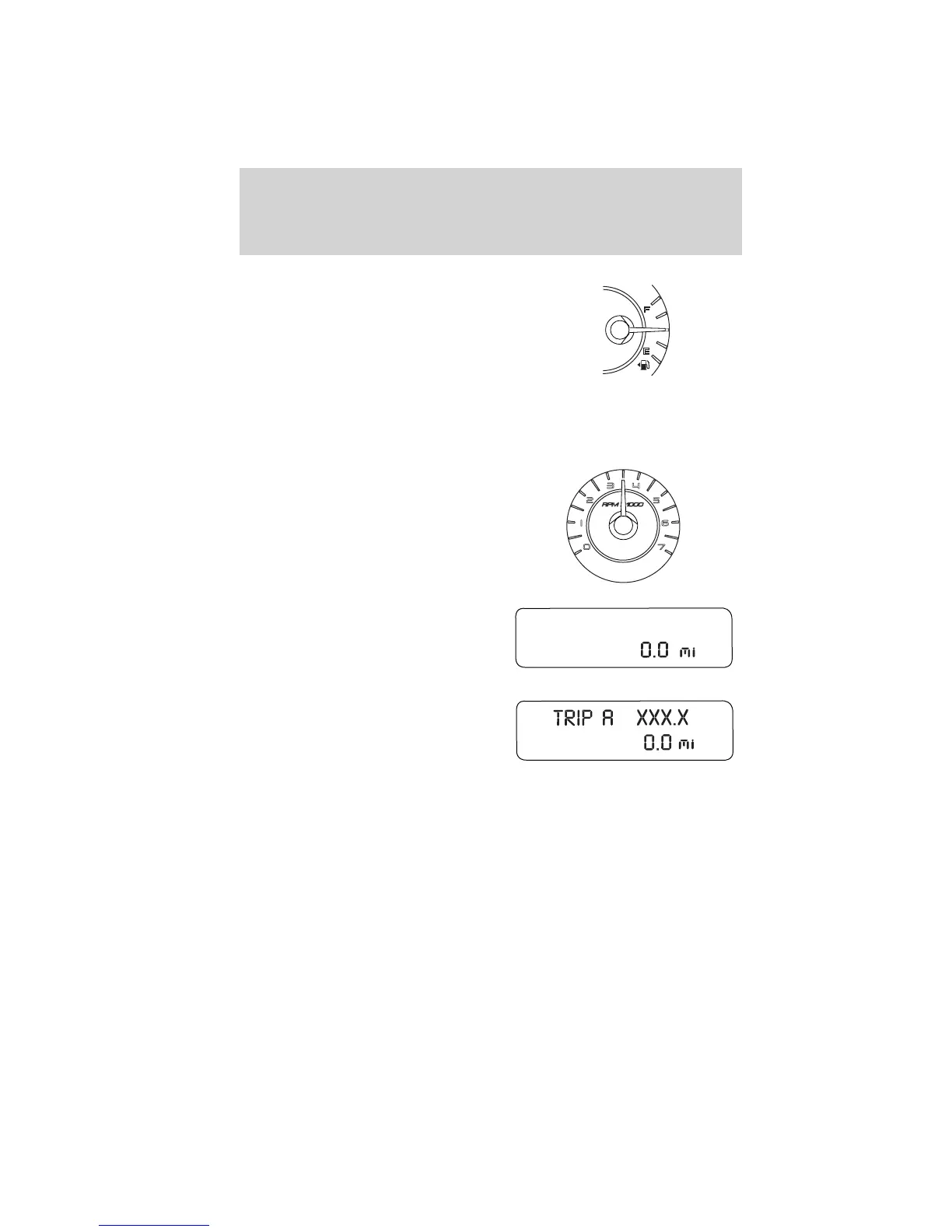
Fuel gauge: Indicates
approximately how much fuel is left
in the fuel tank (when the ignition
is in the on position). The fuel
gauge may vary slightly when the
vehicle is in motion or on a grade.
The fuel icon and arrow indicates
which side of the vehicle the fuel
filler door is located.
Refer to Filling the tank in the Maintenance and Specifications
chapter for more information.
Tachometer: Indicates the engine
speed in revolutions per minute.
Driving with your tachometer
pointer continuously at the top of
the scale may damage the engine.
Odometer: Registers the total miles
(kilometers) of the vehicle.
Refer to Message center in this
chapter on how to switch the
display from Metric to English.
Trip odometer: Registers the miles
(kilometers) of individual journeys.
Press and release the message
center INFO button until “TRIP”
appears in the display (this
represents the trip mode). Press the
control again to select Trip A and Trip B features. Press and hold the
RESET button for two seconds to reset.
Instrument Cluster
18
2010 Fusion (fsn)
Owners Guide, 2nd Printing
USA (fus)



 To Next Page
 Loading...