The cellular profile, media device index, and development log will remain
in the vehicle unless you delete it and are generally accessible only in the
vehicle when the cellular phone or media player is connected. If you no
longer plan to use SYNC威 or the vehicle, we recommend you perform a
Master Reset to erase all information stored in SYNC威.
SYNC威 data cannot be accessed without special equipment and access to
the vehicle’s SYNC威 module. Ford Motor Company and Ford of Canada
will not access SYNC威 data for any purpose other than as described
absent consent, a court order, or where required by law enforcement,
other government authorities, or other third parties acting with lawful
authority. Other parties may seek to access the information
independently of Ford Motor Company and Ford of Canada. For further
privacy information, see the sections on 911 Assist™ (if equipped),
Vehicle Health Report (if equipped), and Traffic, Directions and
Information (if equipped).
ACCESSING AND ADJUSTING MODES THROUGH YOUR
INFOTAINMENT DISPLAY (IF EQUIPPED)
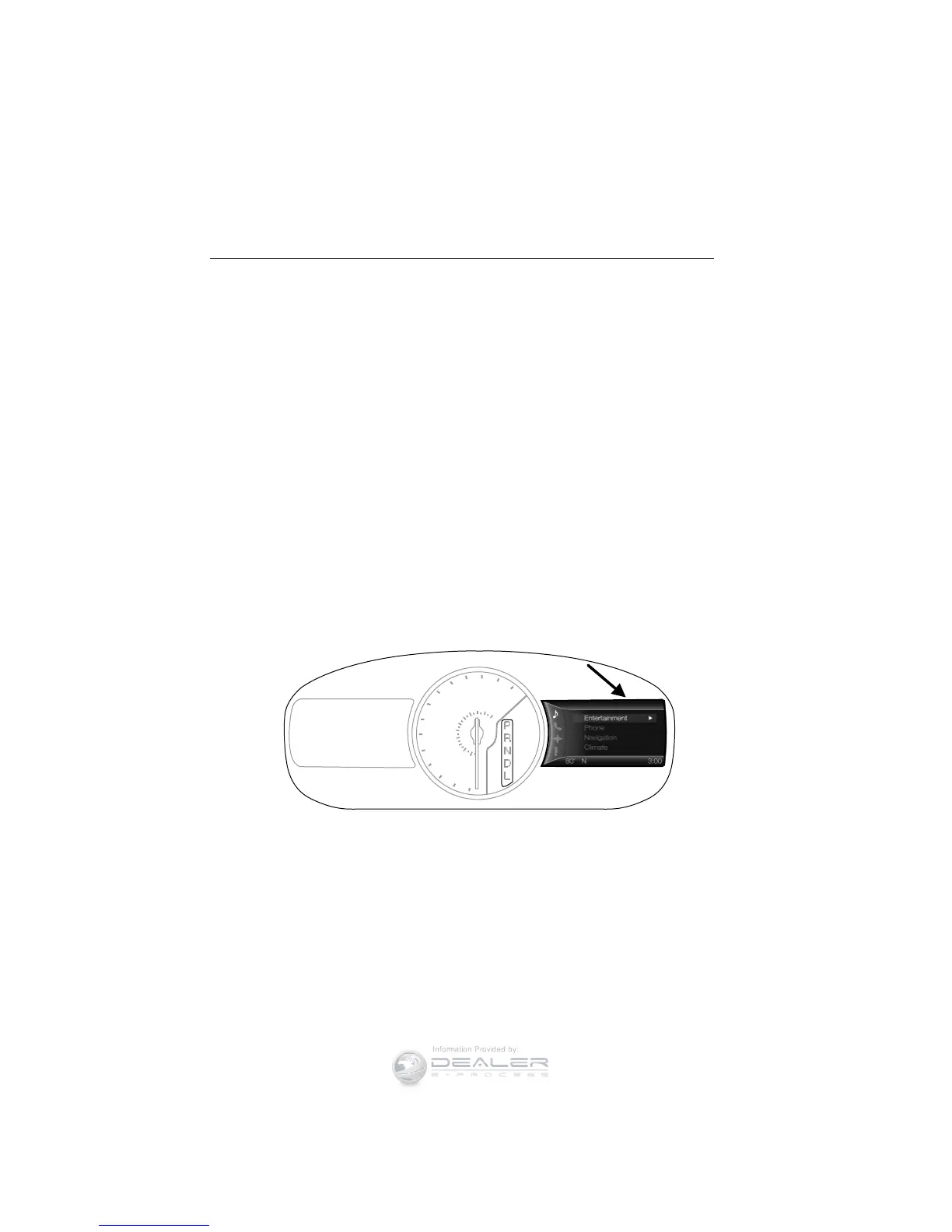
The infotainment display is located on the right side of your instrument
cluster. It allows you to view and make minor adjustments to active
modes without taking your hands off the wheel. For example:
• In entertainment mode, you can view what is now playing, change the
audio source, select presets and make some adjustments.
• In phone mode, you can accept or reject an incoming call.
km/h
80
60
40
20
0
20
0
40
60
80
100
120
140
160
180
200
220
100
120
140
MPH
MyFord Touch™ 457
2013 Flex (471)
Owners Guide gf, 1st Printing
USA (fus)



 To Next Page
 Loading...











