System Settings
The system has three optional setting
menus available. To view or adjust them,
select Settings > Vehicle Settings > Driver
Assist > Lane Keeping Sys in the left-hand
instrument cluster display using the OK
button on the steering wheel. The
last-known selection for each of these
settings is stored by the system. You do
not need to readjust your settings each
time you turn on the system.
Mode: This setting allows the driver to
select which of the system features will be
enabled and turned on when the button is
pressed.
• Alert only – Provides a steering wheel
vibration when an unintended lane
departure is detected.
• Aid only – Provides a steering input
toward the lane center when an
unintended lane departure is detected.
• Both Alert + Aid
Intensity: This setting affects the intensity
of the steering wheel vibration used for the
alert and alert + aid modes. This setting
does not impact the aid mode.
• Low
• Medium
• High
System Display
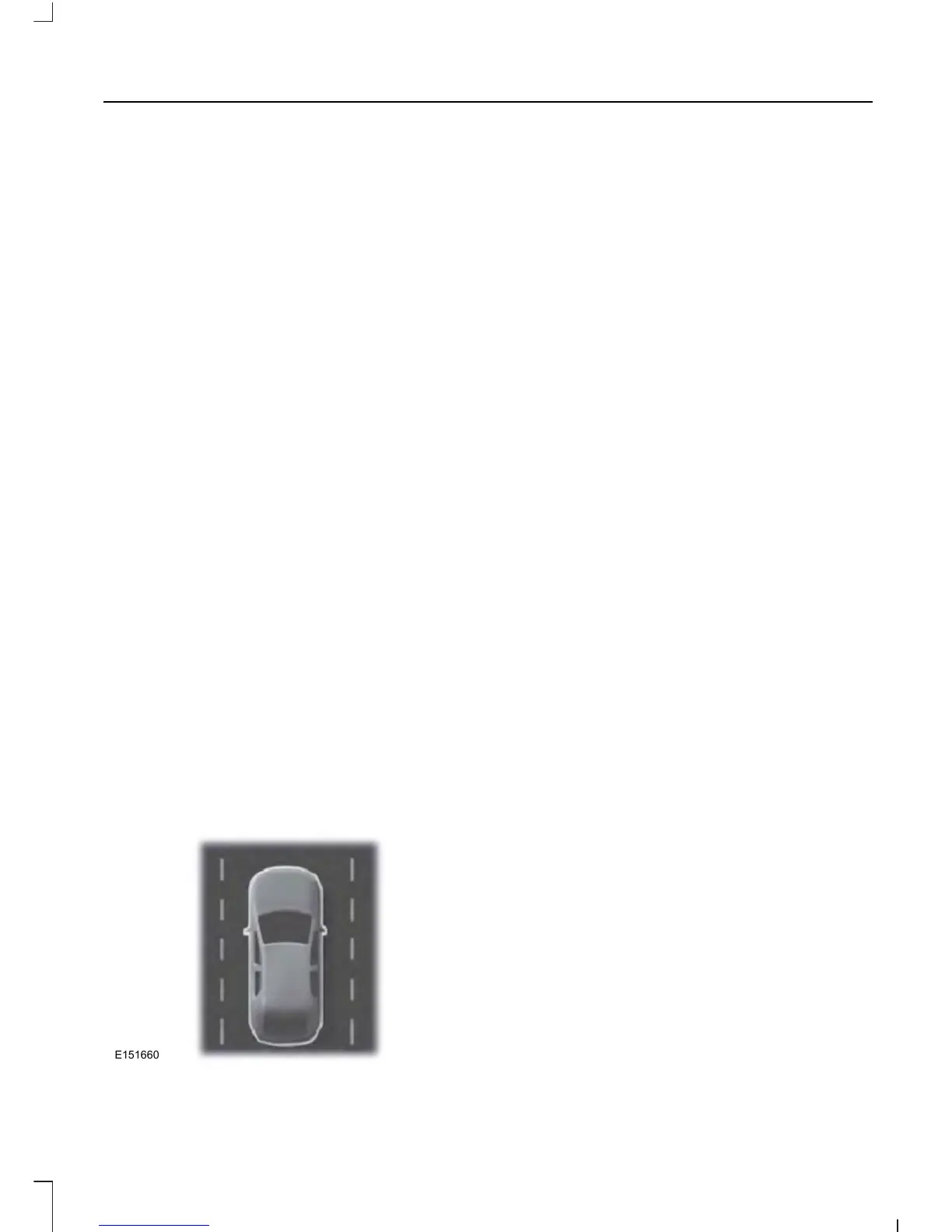
When the system is turned on, an overhead
graphic of a vehicle with lane markings will
be displayed in the left-hand instrument
cluster display. If the aid mode is selected
when the system is turned on, a separate
white icon will also appear in the
instrument cluster.
When the system is turned off, the lane
marking graphics will not be displayed.
Note: The overhead vehicle graphic may
still be displayed if adaptive cruise control
is enabled.
While the system is on, the color of the
lane markings will change to indicate the
system status.
Gray: Indicates that the system is
temporarily unable to provide a warning
or intervention on the indicated side(s).
This may be because:
• the vehicle is under the activation
speed
• the turn indicator is active
• the vehicle is in a dynamic maneuver
• the road has no or poor lane markings
in the camera field-of-view
• the camera is obscured or unable to
detect the lane markings due to
environmental conditions (e.g.
significant sun angles or shadows,
snow, heavy rain, fog), traffic
conditions (e.g. following a large
vehicle that is blocking or shadowing
the lane), or vehicle conditions (e.g.
poor headlamp illumination).
See Troubleshooting for additional
information.
Green: Indicates that the system is
available or ready to provide a warning or
intervention, on the indicated side(s).
Yellow: Indicates that the system is
providing or has just provided a lane
keeping aid intervention.
195
Fusion/Mondeo (CC7)
Driving Aids



 To Next Page
 Loading...