The GPS signal strength may vary. The directional heading indicator at
the bottom of the screen might change color to indicate this signal
strength. The colors are as follows:
• Green — A clear GPS signal is being received.
• Yellow — The GPS signal is partially blocked.
• Red — The GPS signal is unavailable and may be temporarily blocked.
To enter navigation mode
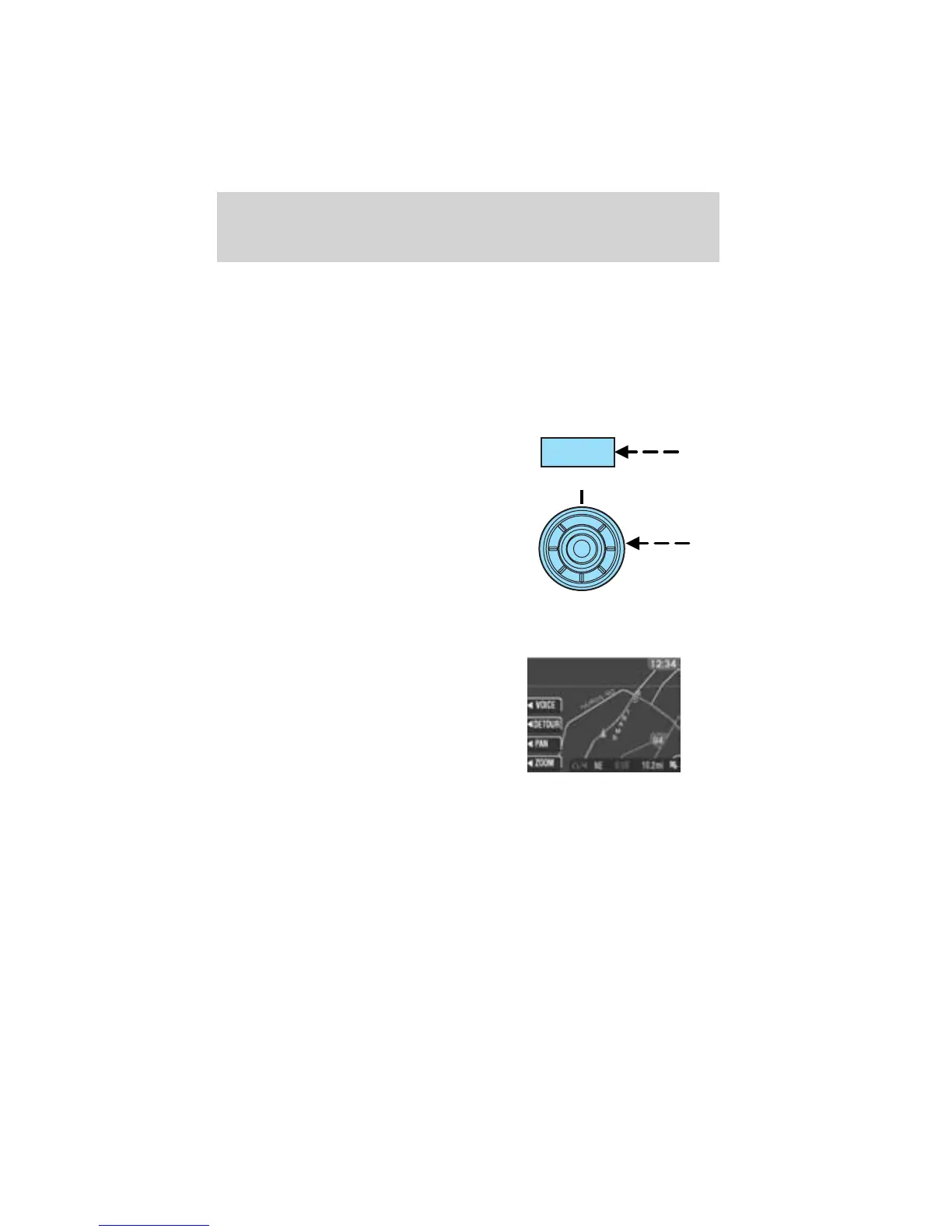
Press NAV to access the navigation
system menu.
Use the cursor control, or the
corresponding soft key to confirm
your selection.
If you select the wrong item, press
the BACK control to return to the
previous screen. Or, press NAV to
return to the main Destination
Entry menu and start again.
Map display information
When using the navigation system,
the map display screen will appear
to guide you to your location. On
the screen, you are able to make the
following choices:
• VOICE — Press to repeat the last
voice prompt.
• DETOUR — Press to select a
detour from your current navigation route.
• PAN — Press to move the current view of the map.
• ZOOM — Press to adjust the area covered on the map display.
NAV
Entertainment Systems
70















 To Next Page