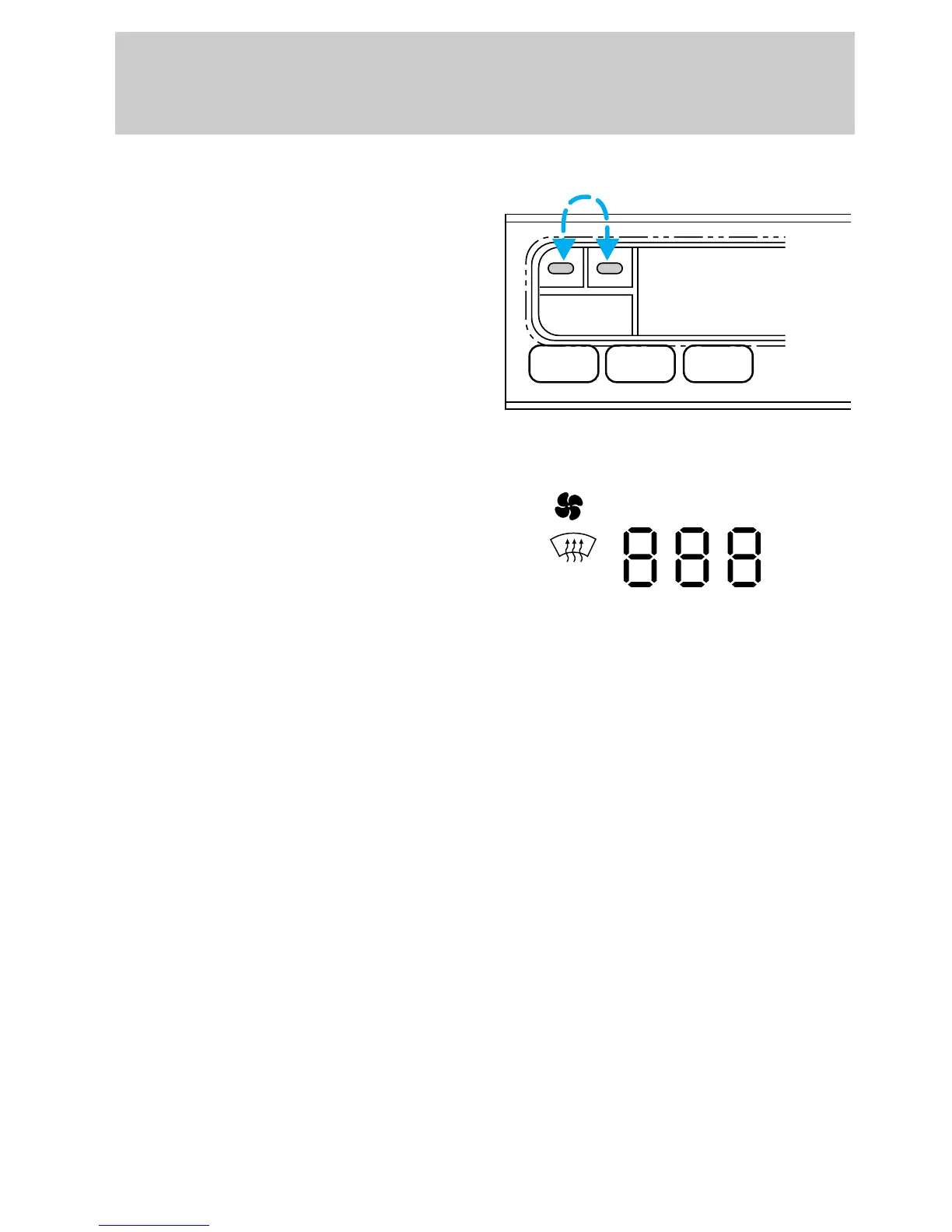
Temperature selection
For maximum continuous cooling,
press the blue portion of the
TEMP control until 16°C (60°F) is
displayed.
For maximum continuous heating,
press the red portion of the TEMP
control until 32°C (90°F) is
displayed.
The display window will indicate
the temperature and operating
mode that you have selected.
The TEMP control will increase or
decrease the set temperature in
one degree increments between
36°C (65 °F) and 47°C (85°F). To
scroll quickly through the
temperatures, until either
maximum continuous cooling or
maximum continuous heating is
reached, press and hold the TEMP
control.
MAX A/C VENT PNL•FLR
REAR
PNL
FLR
°F °C
MAX A/C VENT
FAN OFF
AUTO
uno_fan_speed
Controls and features
34











 To Next Page