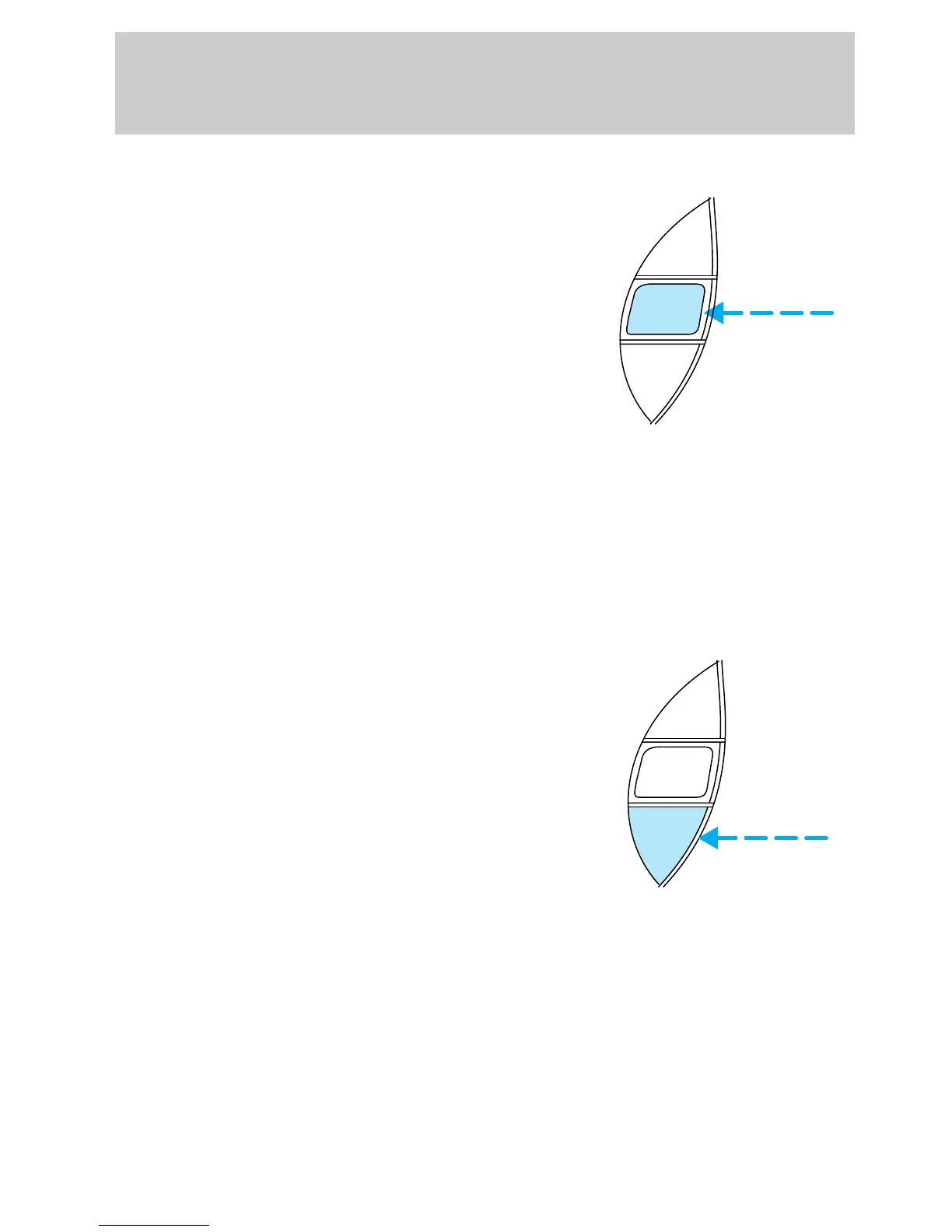
To set a higher set speed
• Press and hold SET ACC.
Release the control when the
desired vehicle speed is reached
or
• Press and release SET ACC.
Each press will increase the set
speed by 1.6 km/h (1 mph) or
• Accelerate with your accelerator
pedal, then press and release
SET ACC.
You can accelerate with the
accelerator pedal at any time
during speed control usage.
Releasing the accelerator pedal will
return your vehicle to the
previously programmed set speed.
To set a lower set speed
• Press and hold COAST. Release
the control when the desired
speed is reached or
• Press and release COAST. Each
press will decrease the set
speed by 1.6 km/h (1 mph) or
• Depress the brake pedal. When
the desired vehicle speed is
reached, press SET ACC.
RSM
SET
ACC
COAST
RSM
SET
ACC
COAST
uno_tap-down-feature
uno_resume-feature
Controls and features
42











 To Next Page