10 11
*if equipped *if equipped
STABILITY CONTROL AND TRACTION CONTROL
WITH ROLL STABILITY CONTROL
Automatically turns on when you start your engine and helps
you keep control of your vehicle when on a slippery surface.
The electronic stability control portion of the system helps
avoid skids and lateral slides, curve control enhances your
vehicle’s ability to follow the road when cornering severely
or avoiding objects in the roadway, and roll stability control
helps avoid a vehicle rollover. The traction control system
helps avoid drive wheel spin and loss of traction. See the
Stability Control chapter in your Owner’s Manual for details.
POWER ADJUSTABLE STEERING COLUMN*
Use the control on the side of the steering column to adjust
the position.
AMBIENT LIGHTING*
To access and adjust:
1. Press the Settings icon, then Ambient Lighting on
the touchscreen.
2. Touch the desired color.
3. Drag the color up or down (horizontal controls) or
le or right (vertical controls) to increase or decrease
the intensity.
To switch ambient lighting o , press the active color once or
drag the active color all the way down to zero intensity.
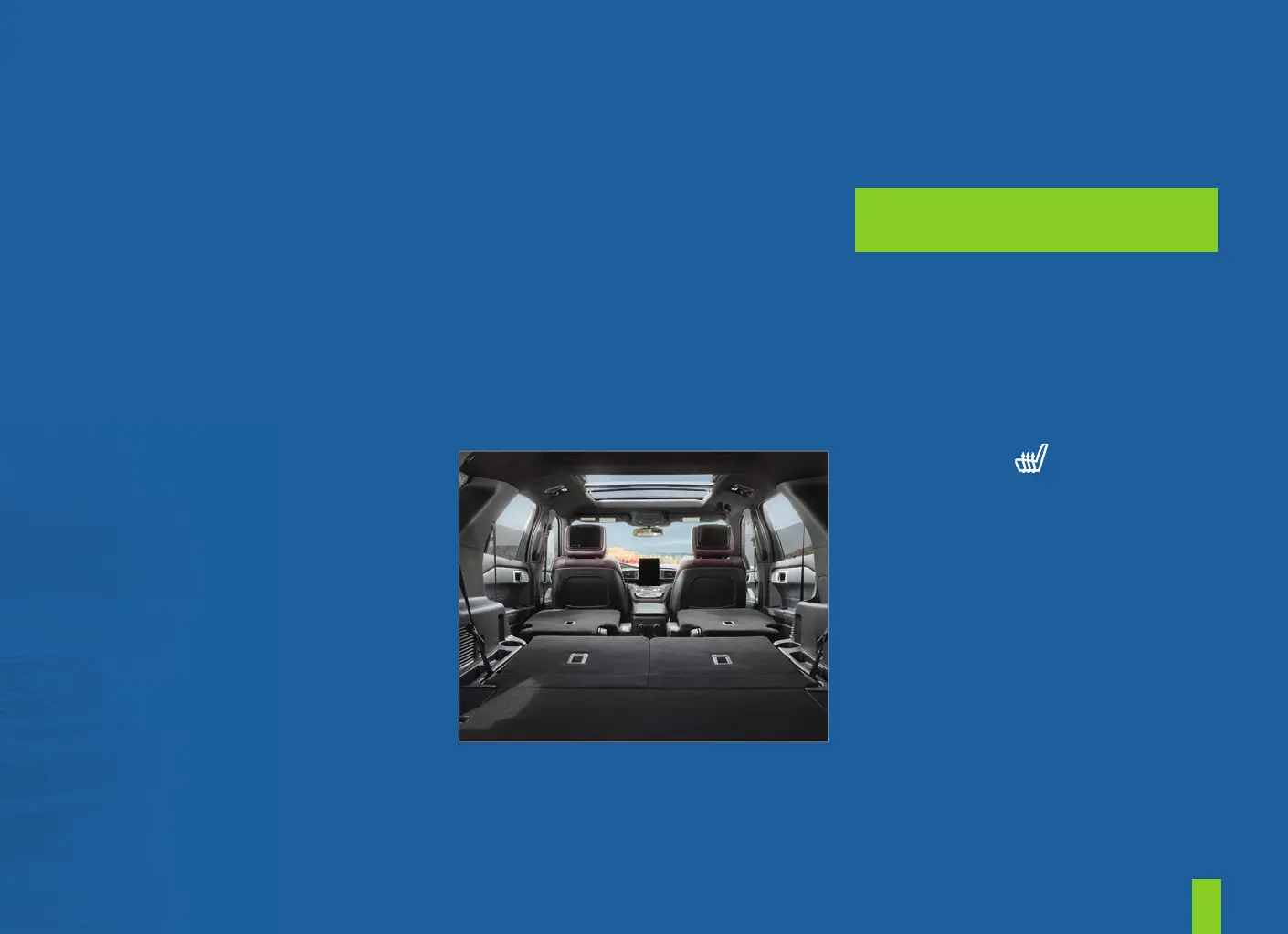
ADJUSTING THE THIRD-ROW POWER SEATS*
These seats feature a power, one-touch operation that allow
you to fold and stow the seats. See the Seats chapter in your
Owner’s Manual for details.
FEATURES
MEMORY FUNCTION*
The memory function allows a
one-touch recall of personalized
memory features, including the driver
seat, power mirrors and power steering
column*. Use the memory controls on
the driver door to program and then
recall memory positions. To program a
position, switch the ignition on. Adjust
the memory features to your desired
positions. Press and hold the desired
preset button until you hear a single
tone. You can now use these controls to
recall the set memory positions. You
can also program your memory seat to
your transmitter. That way, when you
unlock your door with the transmitter,
your memory features automatically
move into your saved positions.
See the Seats chapter in your Owner’s
Manual for more details.
FOLDING THE THIRD-ROW
MANUAL SEAT*
1. Remove all objects from the seat.
2. Fold the head restraint by pulling
the head restraint release strap.
3. From the rear of the vehicle, fold
the seat backrest by pulling and
holding the strap, while pushing the
seat backrest forward. Release the
strap once the seat backrest starts
rotating forward.
UNFOLDING THE THIRD-ROW
MANUAL SEAT*
NOTE: Make sure that the area is free of
objects before unstowing it.
1. To return the seatback to the
upright position, pull the long strap
until the seat backrest locks.
2. Pull the head restraints up to their
normal positions.
SECOND-ROW HEATED SEATS*
To operate, press on the rear of
the center console repeatedly to cycle
through the various heat settings
and o . More lights indicate warmer
settings. See the Seats chapter in your
Owner’s Manual for details.


 To Next Page
 Loading...











