Need help?
Do you have a question about the Ford LJ98-10C823-AC 48A and is the answer not in the manual?
Details the purpose of the installation manual and compliance with local regulations.
Provides instructions on how to read and use the installation manual for the charge station.
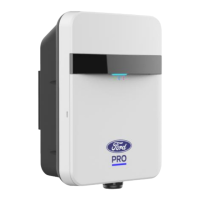
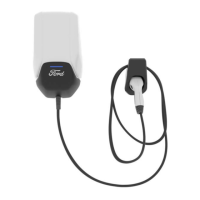
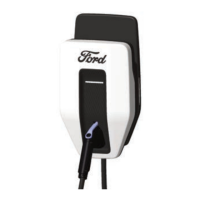
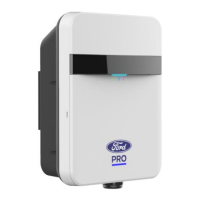
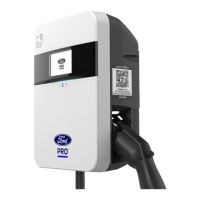
Specifies the design and function of the Ford Connected Charge Station for Level 2 charging.
Explains the meaning of hazard and notice symbols used throughout the manual.
Informs about the use of open-source software and where to find license information.
Outlines the development, testing, and compliance of the charge station with safety regulations.
Covers warnings about hazardous voltages, installation by qualified electricians, and prohibited modifications.
Provides safety precautions for installation, including ESD, explosion zones, and environmental conditions.
Details requirements for circuit breakers, de-energizing connections, and supply cable sizing.
Emphasizes the need for qualified electrician oversight during initial start-up and inspection.
Lists the components included in the delivery of the Ford Connected Charge Station.
Explains the role of Bluetooth for Wi-Fi setup, noting it's not for direct control.
Details how Wi-Fi is used for connecting to the charging backend and remote control via the FordPass™ App.
Identifies the location of mains terminals for power supply connection.
Guidelines for selecting an appropriate installation location for the charge station.
Covers requirements for electrical connections, including type label and qualified electrician settings.
Details the function of DIP switches for configuring working amperes and main voltage.
Lists the necessary tools for installing the Ford Connected Charge Station.
Provides instructions for attaching the mounting bracket to a wall or pole.
Steps for safely removing the front cover using a screwdriver.
Guidance on installing conduit fittings and blind plugs according to codes and standards.
Instructions for inserting cable clamps and securing the charging cable with strain relief.
Details on connecting charging cable wires (X1, X2, Ground) and the CP wire.
Procedure for aligning and fixing the rear housing to the mounting bracket with screws.
Instructions for connecting power cables to the terminals and ensuring tension-free leads.
Guidance on breaking out cable entry areas and smoothing edges for floor-facing connections.
Instructions for clipping the design cover onto the enclosure until it snaps into place.
Steps for mounting the remote dock holder, ensuring correct height and drilling holes.
Procedure for clipping the dock front cover and mounting the dock insert with screws.
Requirements for documenting checks and measurements from initial start-up.
Steps to prepare for commissioning, including app downloads and locating station information.
Instructions for configuring the charge station, connecting to Wi-Fi and your FordPass account.
Explains how to view open-source software license information via the setup app.
Outlines the steps for safely decommissioning the charge station by a qualified electrician.
States that routine maintenance is limited to periodic cleaning, performed by a qualified electrician.
Specifies using a dry cloth for cleaning and warns against aggressive cleaning agents.
Prohibits unauthorized repairs; only specific components are serviceable by qualified personnel.
Lists standards and regulations the Ford Connected Charge Station conforms to.
Details FCC and Industry Canada compliance, including RF exposure and interference rules.
Section to document installation, inspection, and operational checks by a qualified electrician.
 General
| Brand | Ford |
|---|---|
| Model | LJ98-10C823-AC 48A |
| Category | Battery Charger |
| Language | English |

 To Next Page