Trip 1 & 2
You can access the menu using the
information display control.
Note: Some options may appear slightly
different or not at all if the items are
optional.
Trip 1 & 2
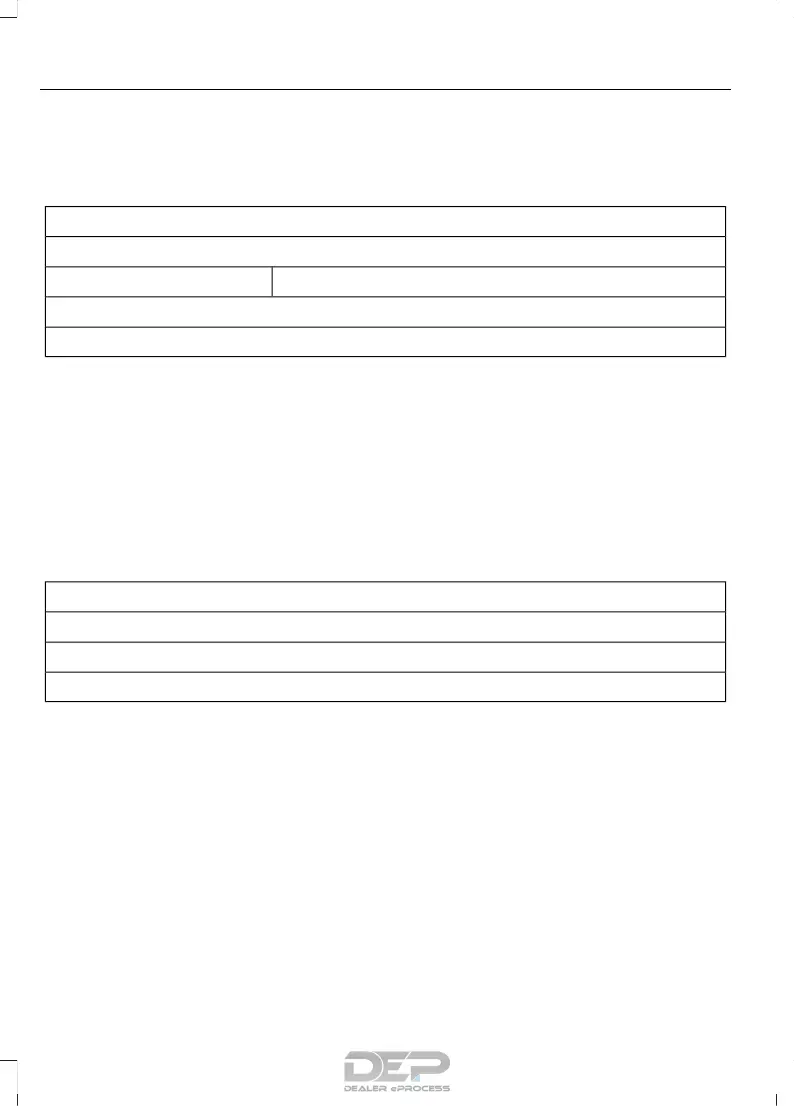
Digital Speedometer
Hold OK to ResetTrip Odometer
Trip Timer
Average Fuel
• Digital Speedometer - Shows a digital
display of your vehicle speed.
• Trip Odometer — Registers the
distance of individual journeys.
• Trip Timer — The timer stops when you
turn your vehicle off and restarts when
you restart your vehicle.
• Average Fuel — Shows the average fuel
economy for a given trip.
Note: Press and hold OK on the current
screen to reset the respective trip, distance,
time and fuel information.
Fuel Economy
Fuel Economy
Dist to empty
Inst Fuel Econ
Average Fuel
• Distance to Empty - Shows the
approximate distance your vehicle can
travel before running out of fuel.
• Instantaneous Fuel Economy - Shows
a visual graph of your instantaneous
fuel economy along with your Avg MPG
since the function was last reset.
• Average MPG — Shows the average
fuel economy since last reset.
Note: You can reset your average fuel
economy by pressing and holding the OK
button on the left hand steering wheel
controls.
90
Taurus (CPH) Canada/United States of America, enUSA, First Printing
Information Displays



 To Next Page