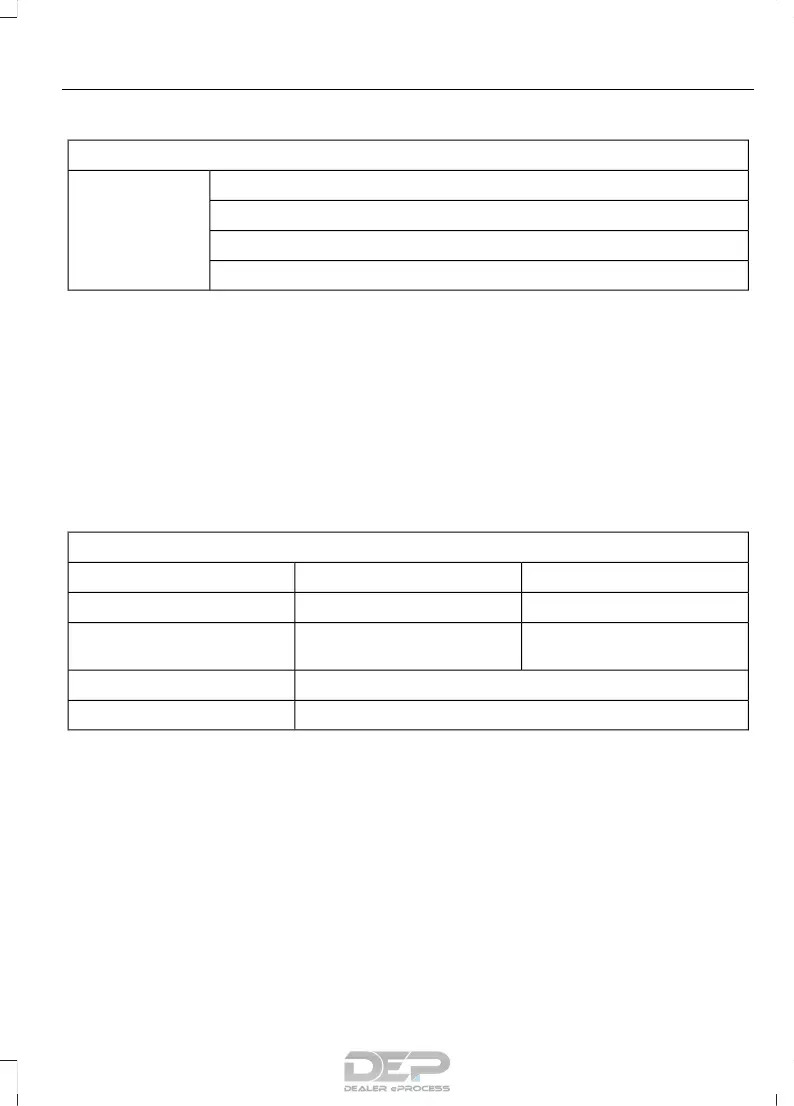
Trip 1 & 2
Trip distanceTrip 1 & 2
Elapsed trip time
Average fuel economy
Hold OK to Reset
• Trip distance — shows the accumulated trip distance.
• Elapsed trip time— timer stops when the vehicle is turned off and restarts when the
vehicle is restarted.
• Average fuel economy — shows the average fuel economy for a given trip.
Note: You can reset your trip information by pressing and holding the OK button on the left
hand steering wheel controls.
Fuel Economy
Use the left or right arrow buttons to
choose the desired fuel economy display.
Fuel Economy
30 Min Fuel HistoryInst Fuel EconomyFuel Economy
-XInstantaneous fuel usage
X-Fuel usage over a 30 minute
time span
Always PresentAverage MPG
Always PresentXXX mi (km) to E
• Inst Fuel Economy - This display shows a visual graph of your instantaneous fuel
economy.
• 30 Min Fuel History - This display shows a bar chart of your fuel history.
Note: You can reset your average fuel economy by pressing and holding the OK button on
the left hand steering wheel controls.
Driver Assist
In this mode, you can configure different
driver setting choices.
Note: Some items are optional and may
not appear.
95
Taurus (CPH) Canada/United States of America, enUSA, First Printing
Information Displays



 To Next Page