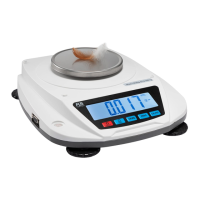
Function keys
1.
0 -9 Numeric keys:Used for setting numeric data
2.
. :Used for set the decimal position of the tare
weight, sample weight
3.
SAMPLE:sample number, sample weight, or limit
number of checking. Used for parts counting.
4.
WT SET:Used for the alternation of changing
normal counting and check operation.
5.
CHECK SET:Used for check quantity & weight.
6.
CHECK CLEAR/PRINT:long press Used for clear
check preset,short press used for prin.



 To Next Page