3
Thank you for purchasing a product by Forever. Before use, please refer to the User’s manual, and save it for future reference.
Do not disassemble the device on your own – all repairs should be done by a service technician. Use only original parts and
accessories provided by the manufacturer. We hope that the product by Forever fullls your expectations.
Frequency range Bluetooth 2402 - 2480 MHz
Maximum emitted power -0.08 dBm EiRP
Power supply 5V ⎓ 0.5 A
Battery: Li-Ion 3.7 ⎓ 300mAh, 1,11Wh
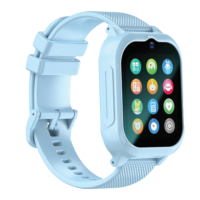
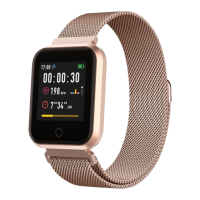
Description
1. Main button
2. Touch screen
3. Bottom button
Charging: Wireless charger - place the smartwatch on the magnetic stand, then connect the USB cable to the power source.
Turning on/o: Press and hold the “Main Button” until the smartwatch turns on/press the Power O button.
Forever BeFit App installation: Find the app called „Forever BeFit” in the Google Play Store or App Store and install it
on your phone.
Connect the smartwatch with the phone
1. Turn on Bluetooth on your phone.
2. Turn on „Forever BeFit App” on your phone, register and then log in.
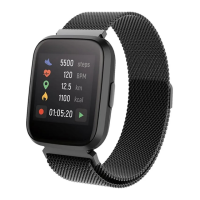
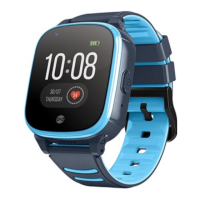
3. Select the smartwatch model from the list by clicking on its photo and conrm.
4. Select the model name of your smartwatch and conrm the connection.
Download full version of user manual:
http://manual.forever.eu/SW710








 To Next Page