5
EN
– enter the email address you want to use to create an account
– press the button (obtain verication)
– a verication code, which must be entered in the indicated eld,
will be sent to your email
– enter and remember your user password
3. After logging into the application, you will see the main screen, in which you
should click button or select menu in the upper left corner.
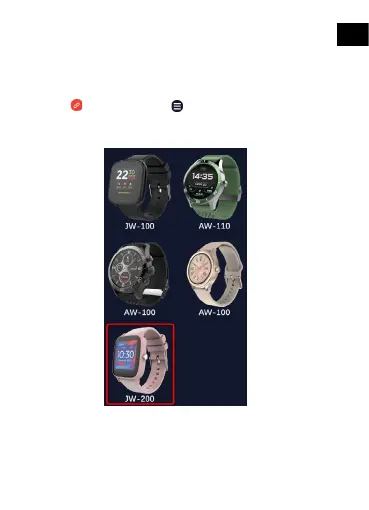
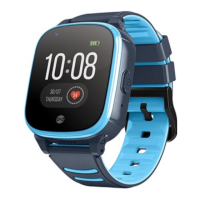
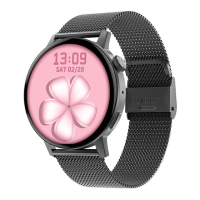
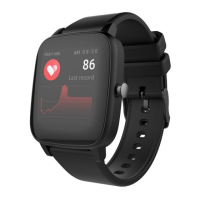
4. Select the smartwatch model you want to connect with by clicking its
picture:
5. Conrm the selected model by clicking “YES”. If a wrong model has
been selected, click “NO” and select the correct one.
6. From the list of devices, select the Bluetooth name of your device
and conrm the connection by selecting „YES”. After a few seconds, it
will connect and all data will be synced automatically. If automatic syn-








 To Next Page