8
EN
type of codec used for compression.
Connecting the projector to the Wi-Fi network
The projector includes a built-in Wi-Fi module, which supports with the 2.4 GHz 802.11 b/g/n
network types.
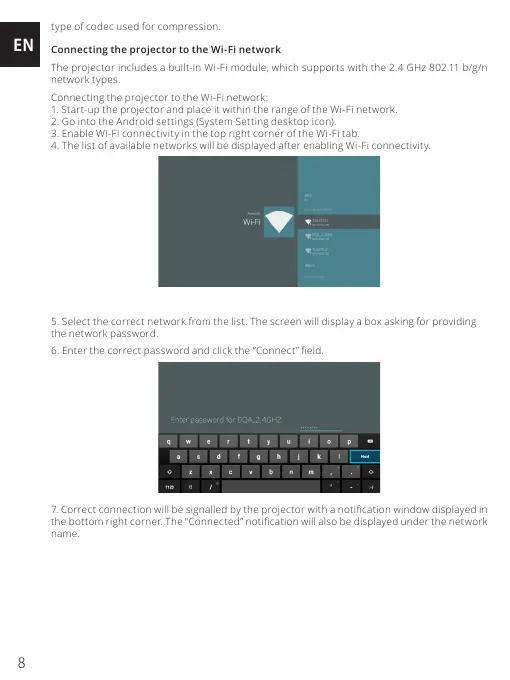
Connecting the projector to the Wi-Fi network:
1. Start-up the projector and place it within the range of the Wi-Fi network.
2. Go into the Android settings (System Setting desktop icon).
3. Enable Wi-Fi connectivity in the top right corner of the Wi-Fi tab.
4. The list of available networks will be displayed after enabling Wi-Fi connectivity.
5. Select the correct network from the list. The screen will display a box asking for providing
the network password.
6. Enter the correct password and click the “Connect” eld.
7. Correct connection will be signalled by the projector with a notication window displayed in
the bottom right corner. The “Connected” notication will also be displayed under the network
name.


 To Next Page
 Loading...