7
EN
- The projector is ready to display the image from the selected source. When the signal does
not reach the projector, the device provides a relevant notication by displaying the following
chart.
Sound volume changing
The projector includes one built-in speakers with the capacity of 2 W, which can play the sound
while watching the materials. It is possible to change the volume by clicking the volume control
keys. The volume level will be presented as a bar on the bottom edge of the image
Displaying multimedia materials using the memory card reader or USB port
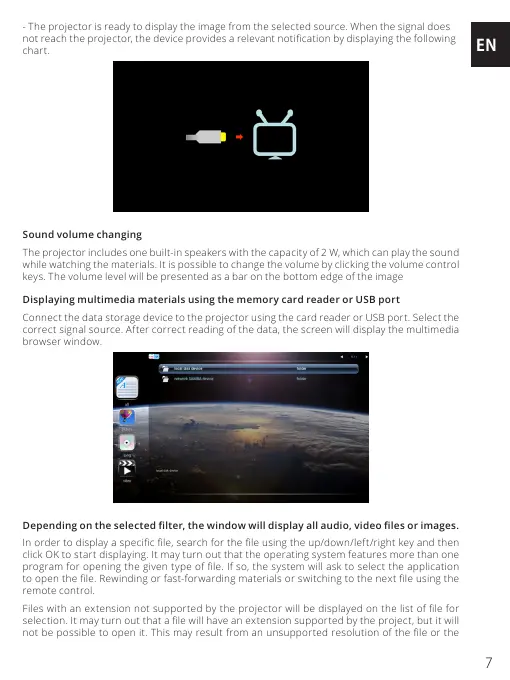
Connect the data storage device to the projector using the card reader or USB port. Select the
correct signal source. After correct reading of the data, the screen will display the multimedia
browser window.
Depending on the selected lter, the window will display all audio, video les or images.
In order to display a specic le, search for the le using the up/down/left/right key and then
click OK to start displaying. It may turn out that the operating system features more than one
program for opening the given type of le. If so, the system will ask to select the application
to open the le. Rewinding or fast-forwarding materials or switching to the next le using the
remote control.
Files with an extension not supported by the projector will be displayed on the list of le for
selection. It may turn out that a le will have an extension supported by the project, but it will
not be possible to open it. This may result from an unsupported resolution of the le or the


 To Next Page
 Loading...