EN
4
Thank you for purchasing a product by Forever. Before use, please
refer to the User’s manual, and save it for future reference. Do not
disassemble the device on your own – all repairs should be done
by a service technician. Use only original parts and accessories
provided by the manufacturer. The device should not be exposed
directly to water, moisture, sunlight, re or other heat sources. We
hope that the product by Forever fullls your expectations.
Introduction
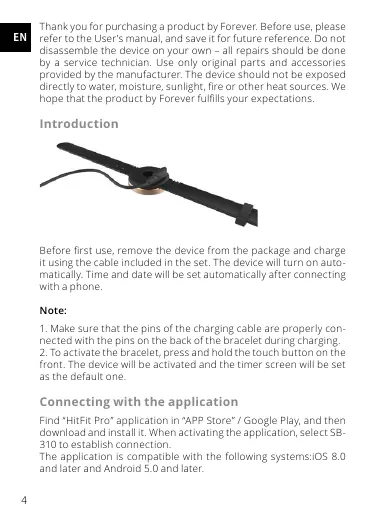
Before rst use, remove the device from the package and charge
it using the cable included in the set. The device will turn on auto-
matically. Time and date will be set automatically after connecting
with a phone.
Note:
1. Make sure that the pins of the charging cable are properly con-
nected with the pins on the back of the bracelet during charging.
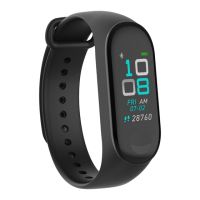
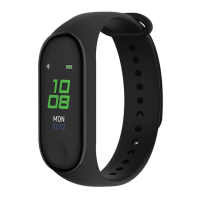
2. To activate the bracelet, press and hold the touch button on the
front. The device will be activated and the timer screen will be set
as the default one.
Connecting with the application
Find “HitFit Pro” application in “APP Store” / Google Play, and then
download and install it. When activating the application, selec t SB-
310 to establish connection.
The application is compatible with the following systems:iOS 8.0
and later and Android 5.0 and later.


 To Next Page