
 Need help?
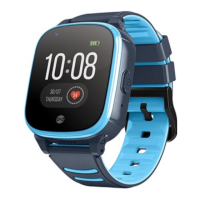
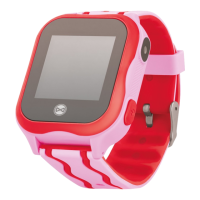
Do you have a question about the FOREVER See Me KW-300 and is the answer not in the manual?
Instructions for charging the smartwatch using the provided cable and a USB port.
Guide to inserting the micro SIM card and securing the watch's protection.
Steps to activate the watch after SIM card installation and charging.
Details about the main screen displaying time, battery, and connection status icons.
Descriptions of core functions accessible via the watch interface, including calling and camera.
Process for registering the watch and user account within the companion application.
Explanation of key app functions like Chat, Remote Camera, Map, and Safety Zone settings.
Managing personal data, connected devices, and account password within the app.
 General
| Battery Capacity | 400 mAh |
|---|---|
| Charging Time | 2 hours |
| GPS | Yes |
| LBS | Yes |
| Waterproof/Water Resistance | IP67 |
| Compatibility | Android, iOS |
| Connectivity | 2G |
| Sensors | Pedometer |








 To Next Page