5
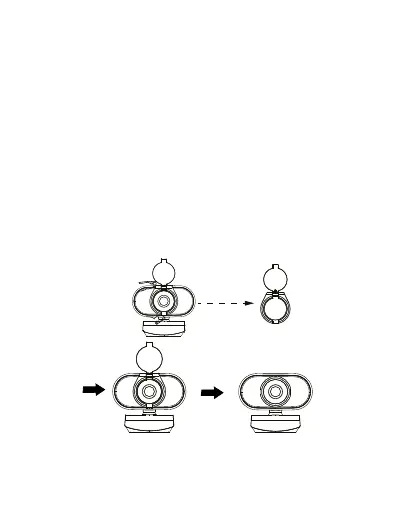
Privacy Cover Installation
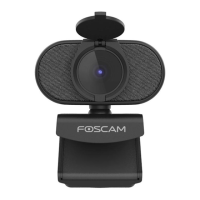
This webcam comes with a privacy cover, which covers
your webcam when it is not in use and prevents
unauthorized viewing or streaming. If you want to
remove the privacy cover, please follow these steps:
a. Grab the upper and lower ends of the privacy
cover.
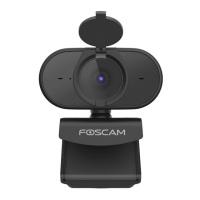
b. Remove the privacy cover from the webcam.


 To Next Page