28
EN
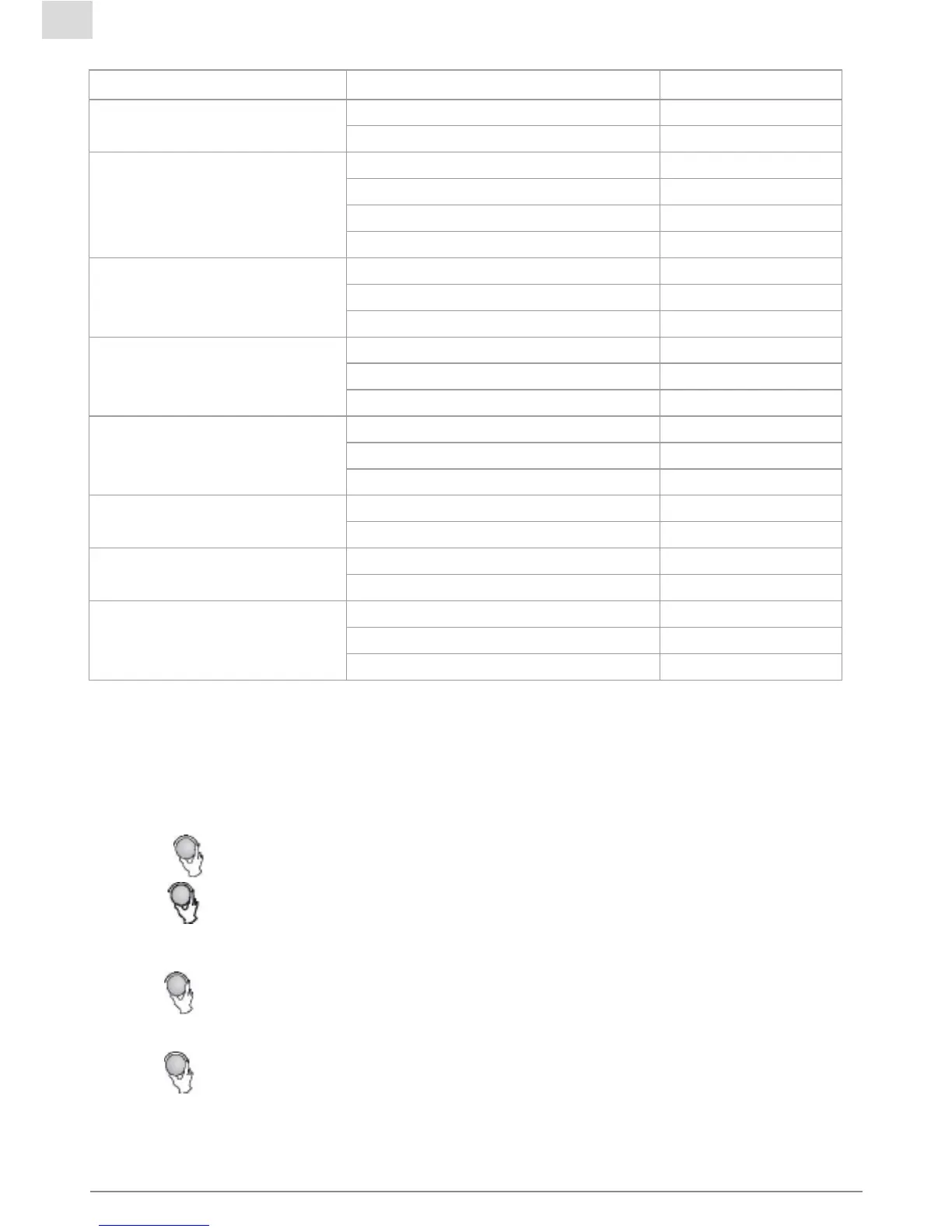
The menu chart:
Menu Weight Display
A-1
Pizza
200 g 200
400 g 400
A-2
Chicken Pieces
200 g 200
400 g 400
600 g 600
800g 800
A-3
Meat
250 g 250
350 g 350
450 g 450
A-4
Vegetable
200 g 200
300 g 300
400 g 400
A-5
Fish
250 g 250
350 g 350
450 g 450
A-6
Pasta
50g(with 450 ml cold water) 50
100g(with 800 ml cold water) 100
A-7
Soup
200 ml 200
400 ml 400
A-8
Potato
200 g 200
400 g 400
600 g 600
10. Program set in Advance
1)Settheclockrst.(Consulttheinstructionofclocksetting.)
2)Inputthecookingprogram.Twostagescanbesetatmost.Defrostshouldnotbesetas
thecookingprogram.
Example:Ifyouwanttocookfoodwith80%microwavepowerfor7minutes.
a.Press“MICRO./GRILL/COMBI.“twice,thescreendisplay“P80”.
b.Press“
START“toconrm.
c.Turn“
“toadjustthecookingtimetilltheovendisplays“7:00”.
d.Pleasedonotpress“START“tostartcooking.Doasfollowing.
3)Press“PRE-SET“,thehourgureswillash.
4)Turn“
“toadjustthehourgures,theinputtimeshouldbewithin0--23.
5)Press“PRE-SET“,theminutegureswillash.
6)Turn“
“toadjusttheminutegures,theinputtimeshouldbewithin0--59.
7)Press“START“tonishsetting.Ifthedoorisclosed,buzzerwillringtwicewhenthetime
arrives,thencookingwillstartautomatically.



 To Next Page