EasyManua.ls Logo

Foster EP Series - Controller and Initial Operation; LCD5 S Display Icons and Buttons; Start-Up and Test Sequence

Foster EP Series
8 pages
Print Icon
To Next Page IconTo Next Page
To Previous Page IconTo Previous Page
Loading...
English
2
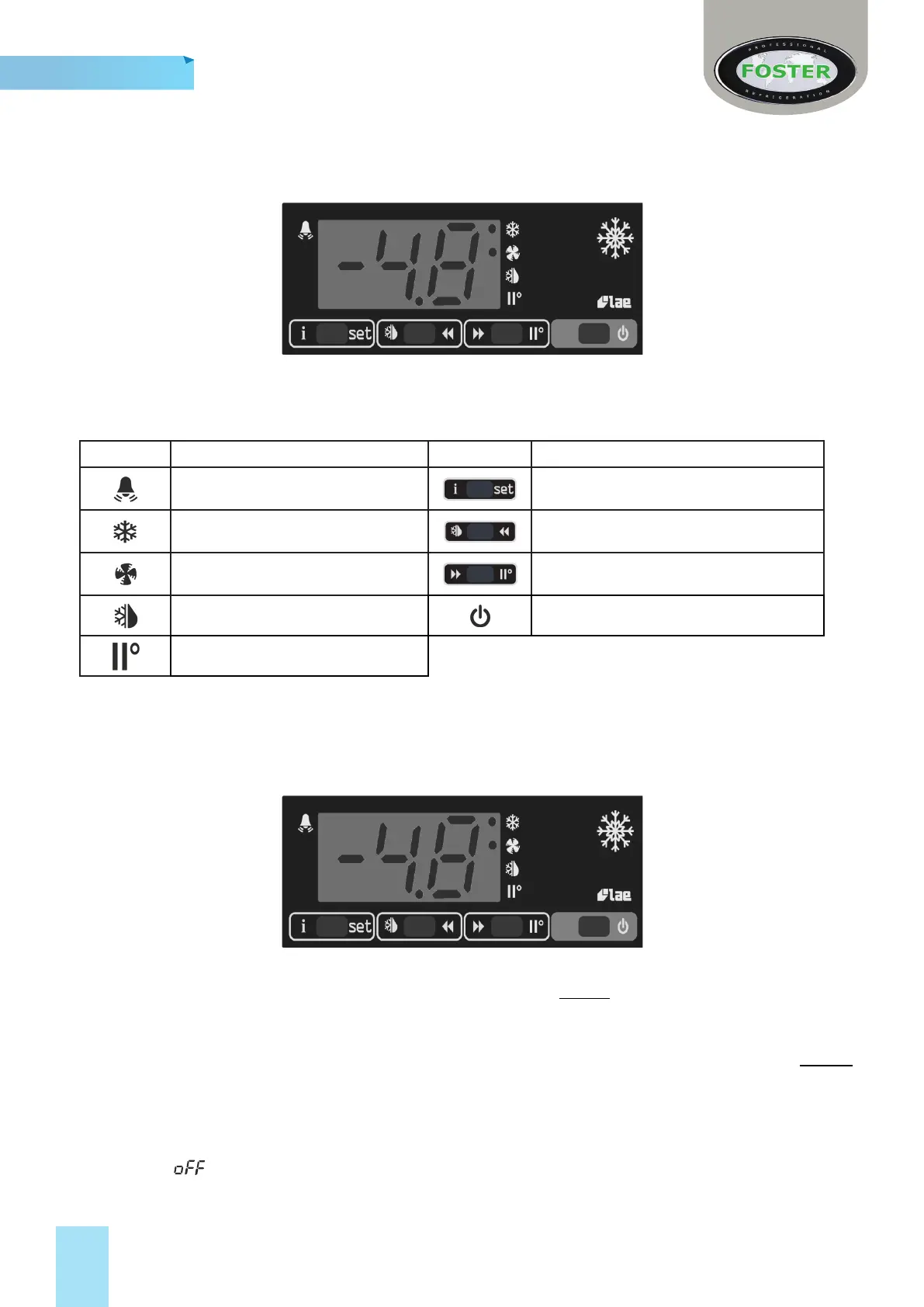
LCD5S Display Icons and Buons
Symbol Reason Buon Use
Alarm 
Thermostat Output 
Fan Output 
Defrost Output 

Indicators and Buons
Start-Up and Test Sequence
Aer unpacking, clean and allow the cabinet to stand for 2 hours before turning on (cleaning direcons
supplied within this manual)

Do not
plug or unplug the unit with wet hands.


will then show .

Related product manuals