EasyManua.ls Logo

Fostex G16 - Page 45

Fostex G16
124 pages
Print Icon
To Next Page IconTo Next Page
To Previous Page IconTo Previous Page
Loading...
As
a
result
of
phase
check
with
a
12.5KHz
signal,
the
adjustment
is
finished
if
the
differ-
enee
in
phase
-
best
point.
is
less
than
90
degrees
between
tracks,
and
azimuth
adjustment
is
at
the
Note:
Restoring
the
cumulative
play
time
When
replacing
the
R/P
head
with
new
one
for
overhaul
or
replacing
the
SYSTEM
CONTROL
PCB
assy
for
repair,
restoring
the
cumulative
play
time
is
required.
The
method
of
restoring
the
cumulative
play
time
is
as
follows.
1)
Turn
off
the
power
of
the
G
16.
2)
While
holding
down
the
ERASE
ON,
SPOT
ERASE
and
EDIT
buttons
on
the
main
unit,
turn
on
the
power
of
the
G1
6.
•.
,,
(Refer
to
the
G16
owner
s
manual,
2nd
mode
function
for
the
cumulative
play
time.)
4.3.2
Input
Level
and
Meter
Level
Calibration
1)
Put
Dolby
NR
ON/OFF
switch
to
OFF
position
and
put
Input
Monitor
Button
to
on
position
so
that
the
R/P
amp
enters
into
Input
Monitor
mode.
2)
Plug
in
an
audio
oscillator
output
to
the
recorder
connector
panel
INPUT
jack
1
and
apply
a
IKHz,
-lOdBV
(0.3V)
signal.
vW
3)
Connect
a
level
meter
to
test
point
TP4
on
the
TRACK
1
of
the
R/P
amplifier
PCB
Assy,
and
adjust
REC
CAL
(R203)
so
that
the
level
here
is
245mV
(-12.2dBV).
4)
On
completing
the
above
adjustments,
connect
the
level
meter
to
OUTPUT
jack
1
on
the
rear
panel
and
check
that
the
level
here
is
-lOdBV
(0.3V)
±ldB.
5)
After
checking
the
OUTPUT
jack
1
level,
depress
the
[RCL|
(recall)
and
|
METER
]
(meter)
key
on
the
Controller.
Then
depress
the
|
|
(period)
key
to
select
the
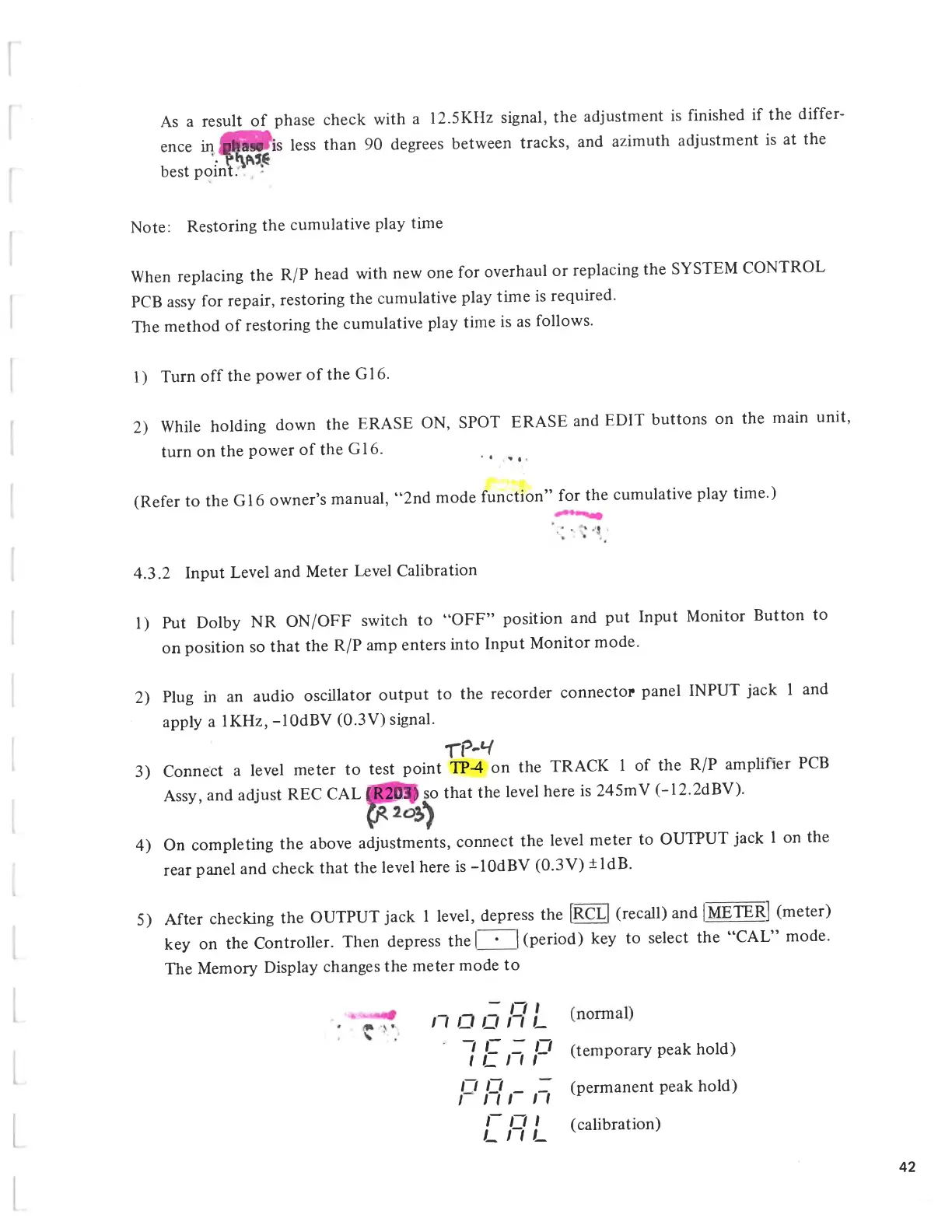
CAL
mode.
The
Memory
Display
changes
the
meter
mode
to
/
I
U
U
I
I
~i
c
_
I
/_
11
n
O
_
/
iii
I-
p
(temporary
peak
hold)
(permanent
peak
hold)
l~
U
I
I-
I
I
I-
(calibration)
n
42

Related product manuals