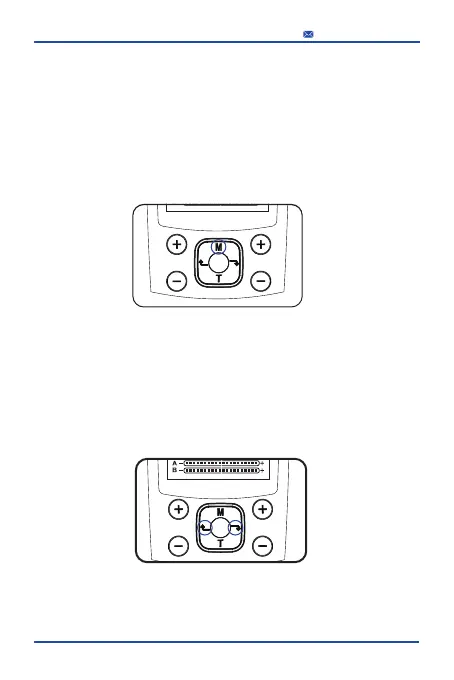
(The appliance equipped with the "M" button
to choose main modes)
Step 5: Choose a mode.
There are 6 icons (6 main modes) on the screen, each icon has
4 built-in modes. Press the “M” button to switch
between 6 main modes.
This Tens Unit has mode memory function.
(The appliance equipped with the round center button for
suspend and screen locking)
Step 6: 24 Built-in modes adjustment
After step 5 select a main mode,
just press the button“←” or button ”→” to adjust built-in modes
17
service@foxpeed.com



 To Next Page