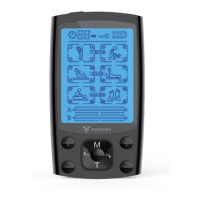
adjust the intensity)
(The appliance equipped with the "+/-" button to gradually
Step 7: Adjust the intensity.
Once you select a mode, press the “+/–“ button to gradually
increase or decrease the intensity. The default strength is the
lowest strength set by each selected mode to avoid misoperation.
ends.
Step 9: Shut OFF the appliance
The TENS unit will shut OFF automatically after the countdown
Step 8: Lock the screen.
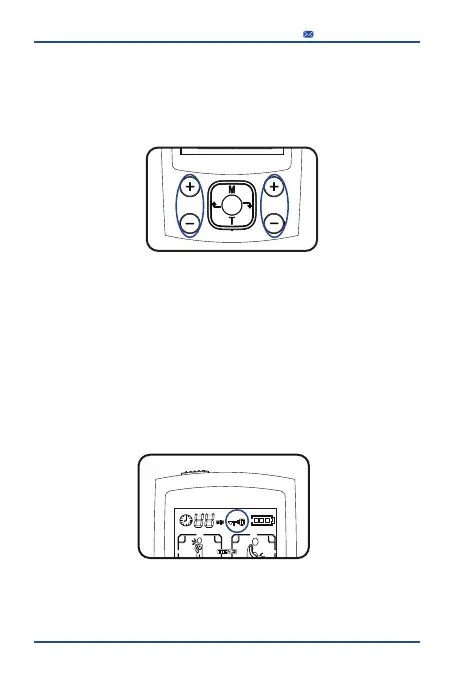
After you set both A and B channel well, long-press the round
centre button for 3 seconds. The screen will show a lock symbol,
all buttons are blocked now, TENS unit starts massaging. This
function is designed to avoid mistouch.
18
service@foxpeed.com


 To Next Page
 Loading...