FOXTECH Nimbus VTOL V2(DA16S Combo) User Manual
©
2019 FOXTECH All Rights Reserved
21
Under the Q_STABLIZE Mode
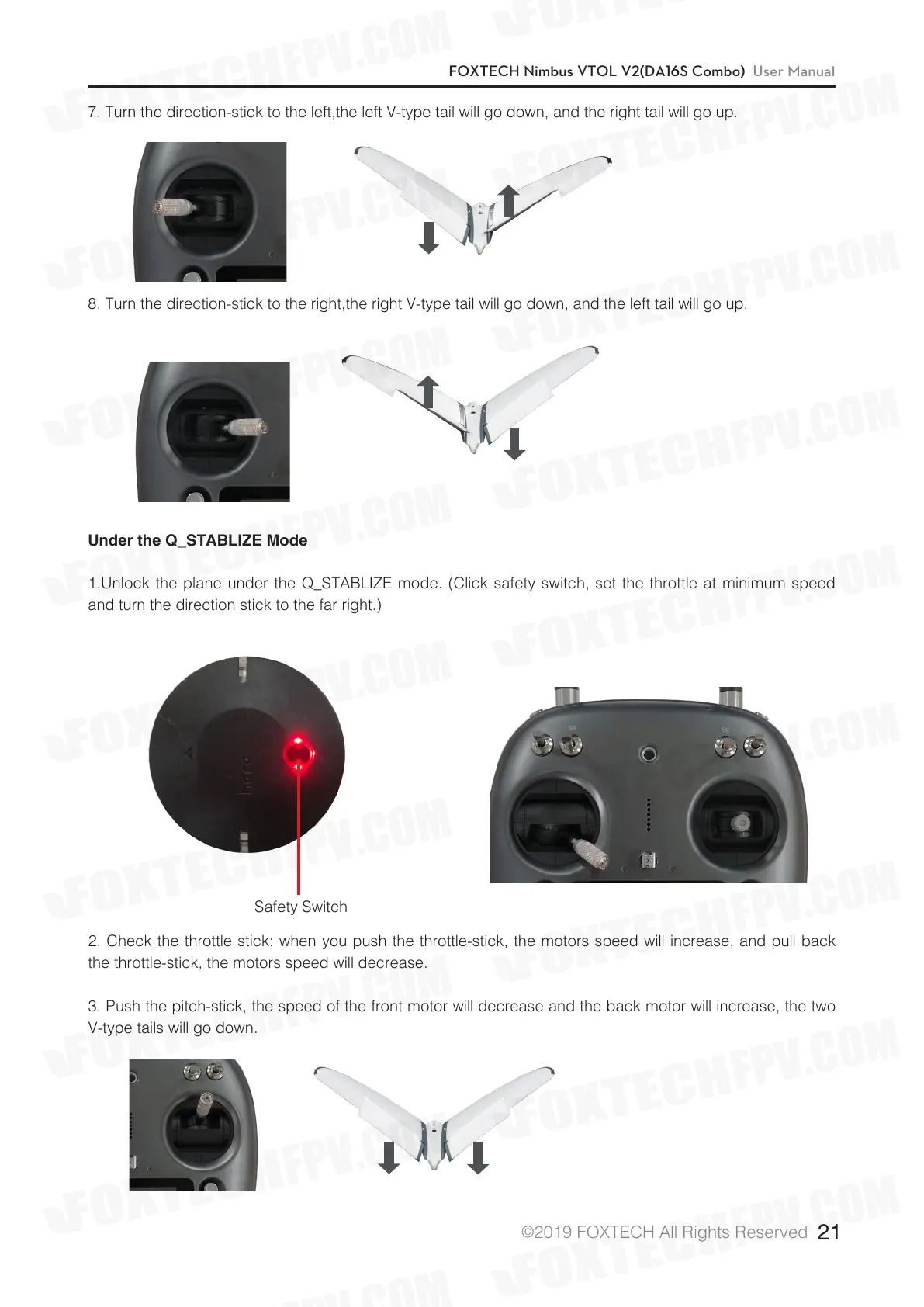
1.Unlock the plane under the Q_STABLIZE mode. (Click safety switch, set the throttle at minimum speed
and turn the direction stick to the far right.)
2. Check the throttle stick: when you push the throttle-stick, the motors speed will increase, and pull back
the throttle-stick, the motors speed will decrease.
3. Push the pitch-stick, the speed of the front motor will decrease and the back motor will increase, the two
V-type tails will go down.
Safety Switch
7. Turn the direction-stick to the left,the left V-type tail will go down, and the right tail will go up.
8. Turn the direction-stick to the right,the right V-type tail will go down, and the left tail will go up.


 To Next Page