06
How to Charge?
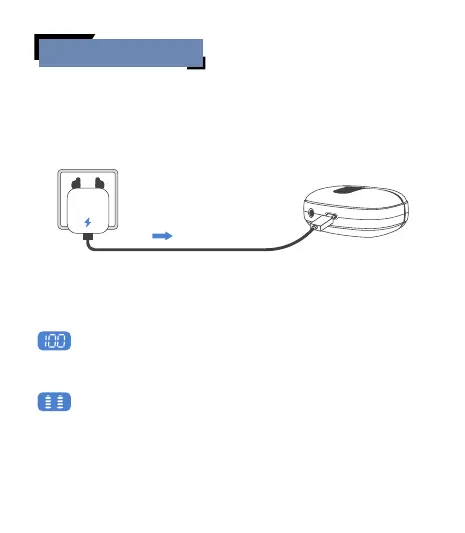
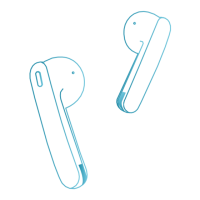
Place the earbuds properly into the charging case and close the lid,
then use the included USB-C charging cable to connect the charging
case. Plug the other end of the cable into a power supply using a
5V/1A adapter (not included), and the earbuds will start charging.
* The USB-C charging cable is in the white paper box.
LED Power Display
Show the remaining battery percentage of the charging case
from 0 to 100. '0' indicates that the charging case needs charging,
while '100' means that the charging case is fully charged.
Flash down and up when the earbud is charging; Stop flashing
when the earbud is fully charged.
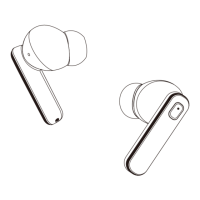
Earbud's LED light: When the red light is on, the earbud is being
charged. They go off when the earbud is fully charged.
Input: DC 5V


 To Next Page