EasyManua.ls Logo

Fractal MFC-101 - Axe-Fx III SETUP: MIDI;Remote

Fractal MFC-101
15 pages
Print Icon
To Next Page IconTo Next Page
To Previous Page IconTo Previous Page
Loading...
Axe-Fx III SETUP: MIDI/Remote
To remotely control the Axe-Fx III via MIDI commands of the MFC-101, the MIDI
channel on which the MIDI communication takes place must be defined. Likewise,
all control units you want to address must be assigned corresponding (unique)
Control Change Numbers (CC#). Up to 127 unique CC`s# can be assigned. By
default, they are all off (NONE), because there are many more entries in the Axe-
Fx III than the 127 that can be assigned. Here is my suggestion for a default CC#
assignment and further settings, which should normally be sufficient to control the
Axe-Fx III without conflicts with the MFC-101. All 127 possible uniquen CC# were
assigned. If you need CC# for other entries, you can of course adapt the CC#
assignment to your individual needs.
Under SETUP -> Global Settings -> Config -> I recommend
to set default Scene to 1.
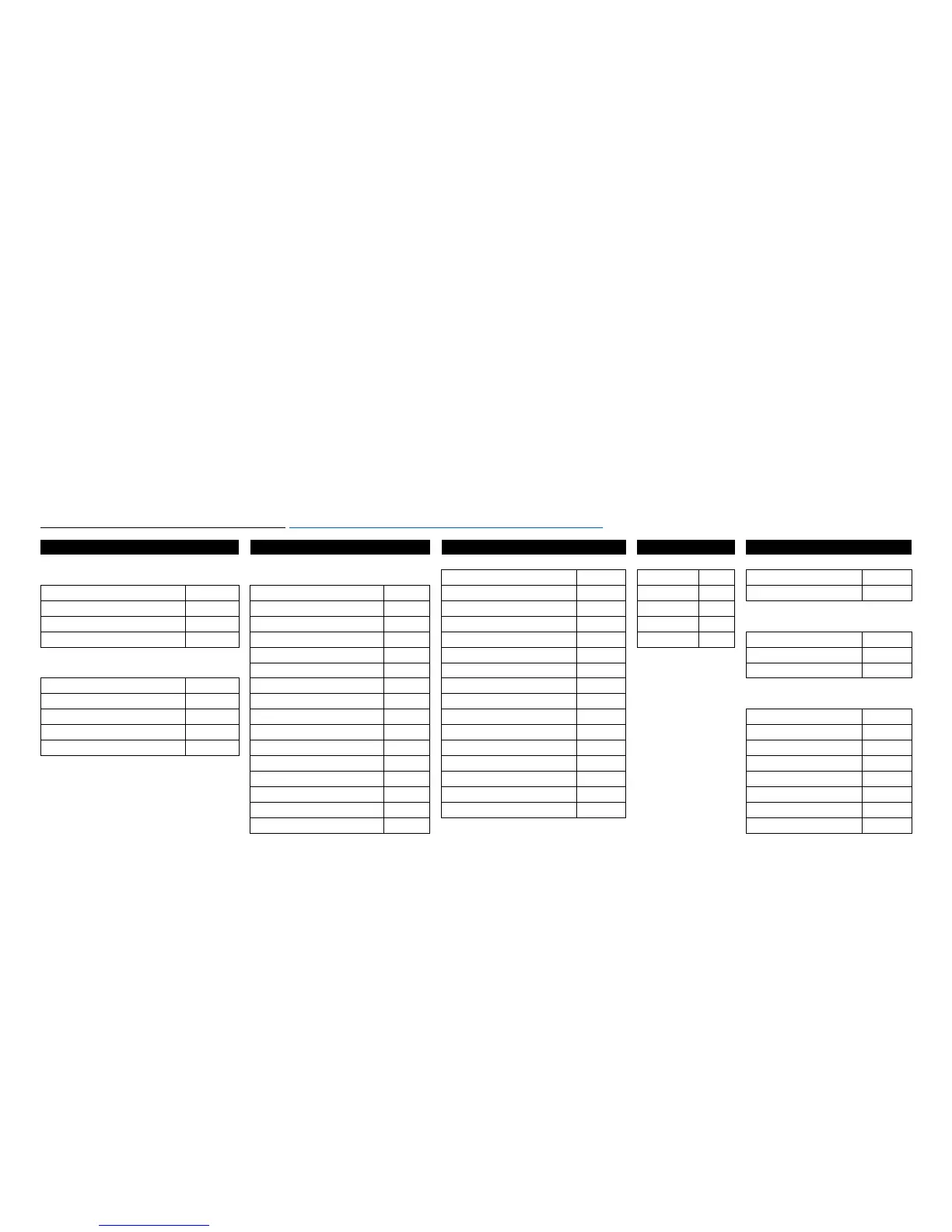
STEP 1: Axe-Fx III: SETUP -> MIDI/Remote Menu [Axe-Fx III Manual: 12 Setup Menu | THE MIDI/REMOTE MENU
]:
General
General
External
CC#
Looper
CC#
Other
CC#
GENERAL
INITIAL VALUE
External Control 1
1
Record
123
Tempo Tap
13
MIDI Channel
1
External Control 1
100%
External Control 2
2
Play
124
Tuner
120
Display Offset
1
External Control 2
0%
External Control 3
3
Undo
125
Scene Revert
ON
External Control 3
0%
External Control 4
4
Once
126
SCENE
Eff. Bypass Mode
VALUE
External Control 4
0%
External Control 5
5
Reverse
127
Scene Select
15
External Control 5
0%
External Control 6
6
Scene Increment
NONE
PC CONFIGURATION
External Control 6
0%
External Control 7
7
Scene Decrement
NONE
Program Change
ON
External Control 7
0%
External Control 8
8
Ignore Redundant PC
ON
External Control 8
0%
External Control 9
9
I/O
Send MIDI PC
OFF
External Control 9
0%
External Control 10
10
Input 1 Volume
NONE
MIDI PC Offset
0
External Control 10
0%
External Control 11
11
Input 2 Volume
NONE
PC Mapping
OFF
External Control 11
0%
External Control 12
NONE
Input 3 Volume
NONE
External Control 12
0%
External Control 13
NONE
Input 4 Volume
NONE
External Control 13
0%
External Control 14
NONE
Output 1 Volume
121
External Control 14
0%
External Control 15
NONE
Output 2 Volume
NONE
External Control 15
0%
External Control 16
NONE
Output 3 Volume
NONE
External Control 16
0%
Output 4 Volume
NONE
Initial Value 100% for External Control 1: External Control 1 I use for the expression pedal, which controls the volume of the VOLUME 1 block. This Block is always placed
between amp block and post amp effects such as delay and reverb and is always active. My "Master Volume" pedal. That's why I didn't give a CC# entry for VOLUME1 BYPASS,
because it is always active and is not switched on or off.

Related product manuals