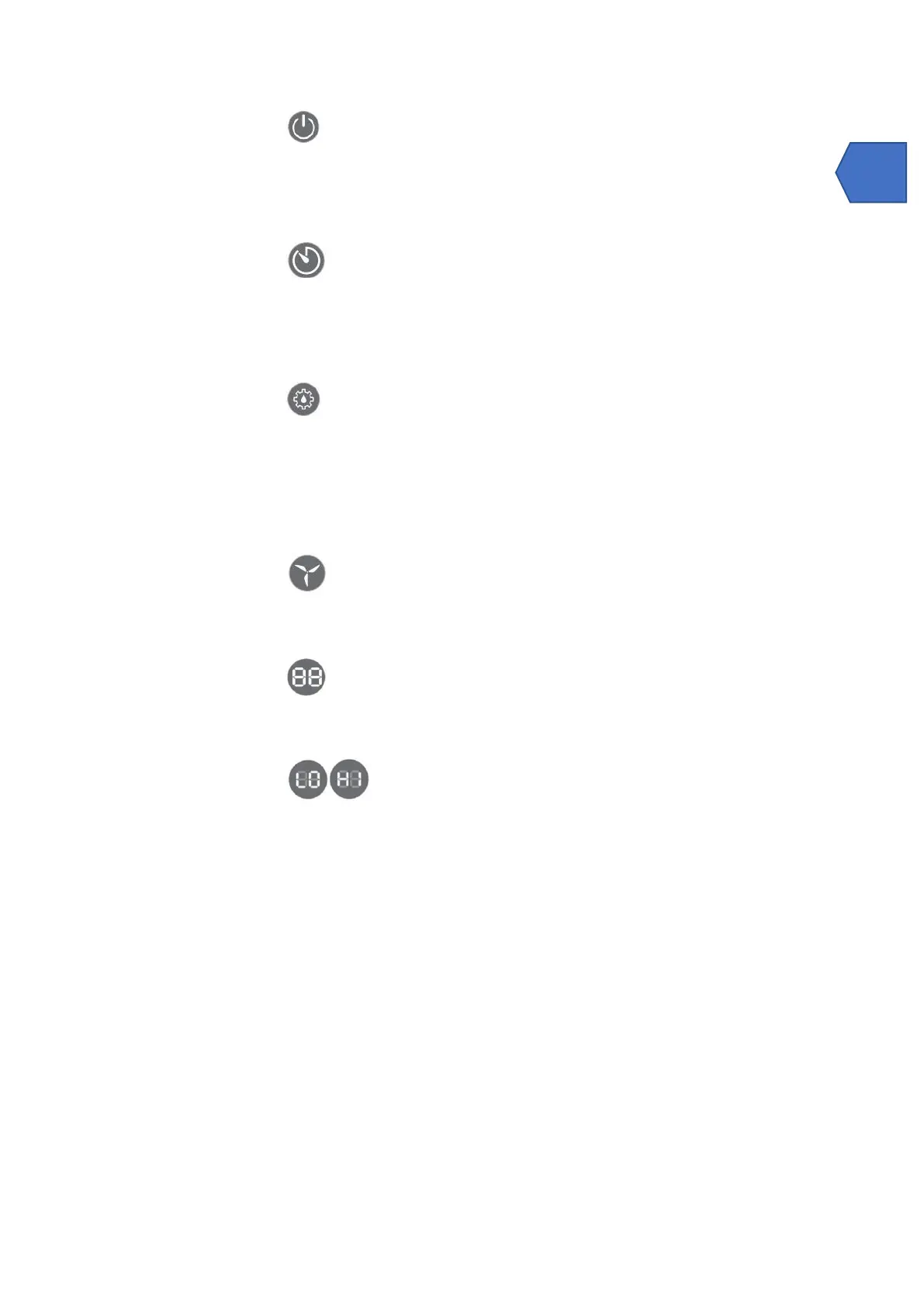
Power
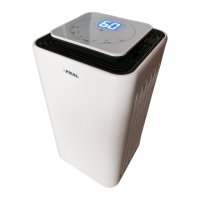
In the standby state, the buzzer will beep and the display will turn blue.
Press the power button to turn it on, the appliance starts up and enters CONT mode (continuous
dehumification). The power and CONT lights are ORANGE, the fan speed light lights up in red
(HIGH SPEED) by default. In this mode, the user can change the ventilation speed and time. Press
this button again to turn off the appliance and the fan will turn off after 10 seconds.
Timer
Press the timer button to set the timer function of 0-24 hours. The interval is 1 hour. Each time this
button is pressed, the value is increased by 1 hour and then the corresponding timing value is
displayed on the screen. The set value is "00" to cancel the timer function.
During operation, you can set the time to turn off the machine;
When the unit is stopped in stand-by, the machine start time can be set;;
Humidity set
When this button is pressed, the system exits CONT mode and switches to intelligent mode. The
humidity setting is circular as follows 60% -> 65% -> 70% -> 75% -> 80% -
'-'> - 40% - 45% -50% - 55% - 60%. After setting the desired humidity, the system confirms the input
value and then the machine exits the setting status and returns the current humidity, after 5
seconds. When the display shows '-' the system enters CONT mode. After 5 seconds, the humidity
setting light is off and the CONT light is on
Press for 5 seconds to view the current room temperature.
Fan speed
Press this button to adjust the fan speed. The warning light lights up red in case of high speed and
blue in case of low speed.
Double ‘’ 8 ‘‘display
When the appliance is in operation, it shows the current humidity; when setting the humidity, it
shows the humidity setting; when setting the timer, the device shows the timing setting; by long
pressing the '' HUMSET '' button for 5 seconds, the device will show the current temperature.
Shows 'LO' when the current humidity is lower than 20%. Shows 'HI' when the
current humidity is higher than 95%
Three color digital display
When the current humidity is between 20% and 50%, the figure is red;
When the current humidity is between 50% and 67%, the figure is blue;
When the current humidity is between 67% and 81%, the figure is green;
When the current humidity is between 81% and 95%, the figure is red;
5.2 Drenaggio della condensa
There are two ways to eliminate the collected water produced by the unit.
A. Manual drain: water tank emptied manually.
B. Continuous Drainage: Use gravity to drain condensed water by connecting a drain hose.
EMPTYING THE WATER TANK
The water tank built into the unit will fill and shut down the unit once it is full. It will work again once
the water tank is properly emptied.
When the tank is full, the unit will make a sound and the red indicator light will come on.


 To Next Page
 Loading...