Hardware Installation
Chapter 1: Hardware Installation
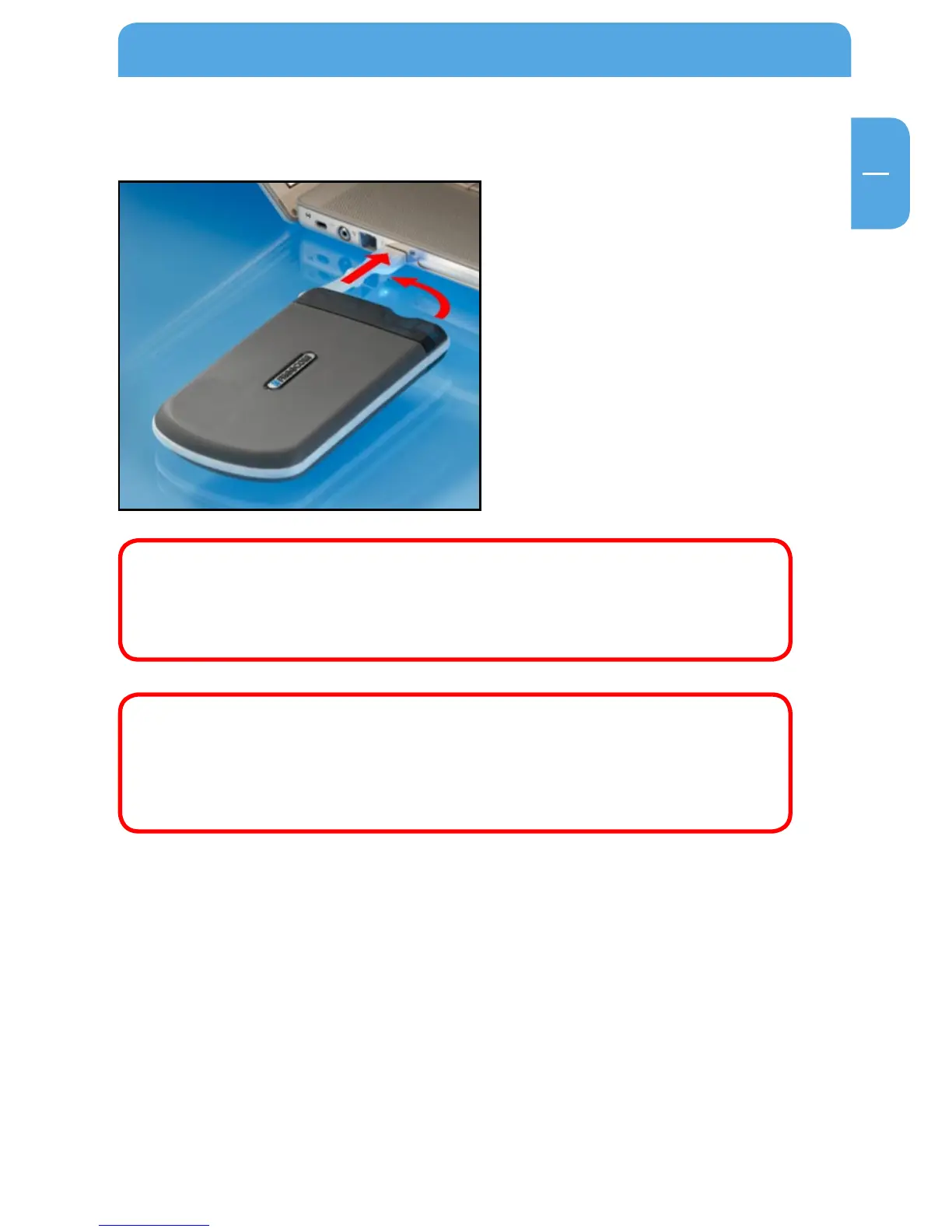
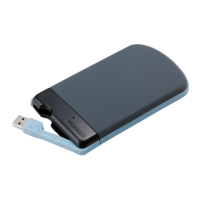
Connect the interface cable to the
Freecom ToughDrive.
Since USB 2.0
is backwards compatible with USB 1.1, the Freecom Tough-
Drive can be connected to all USB ports. When connected to a USB 1.1 port,
however, the performance (data transfer rate) of the Freecom ToughDrive
will be much lower than when the drive is connected to a USB 2.0 port.
On some computers it might occur that the USB port does not deliver
enough power to the ToughDrive. In that case, you need to use an exter-
nal power supply.
For safety reasons you must only use Freecom’s Power Supply Part.No.
30921
. Don’t use any other power supply!
Chapter 2: Driver Installation
Under Windows 2000 / XP / Vista and Mac OS X a separate Freecom driver is not required.
The drivers will be installed automatically by the operating system after plugging in the
Freecom ToughDrive into the USB port of the computer.


 To Next Page