VILTA
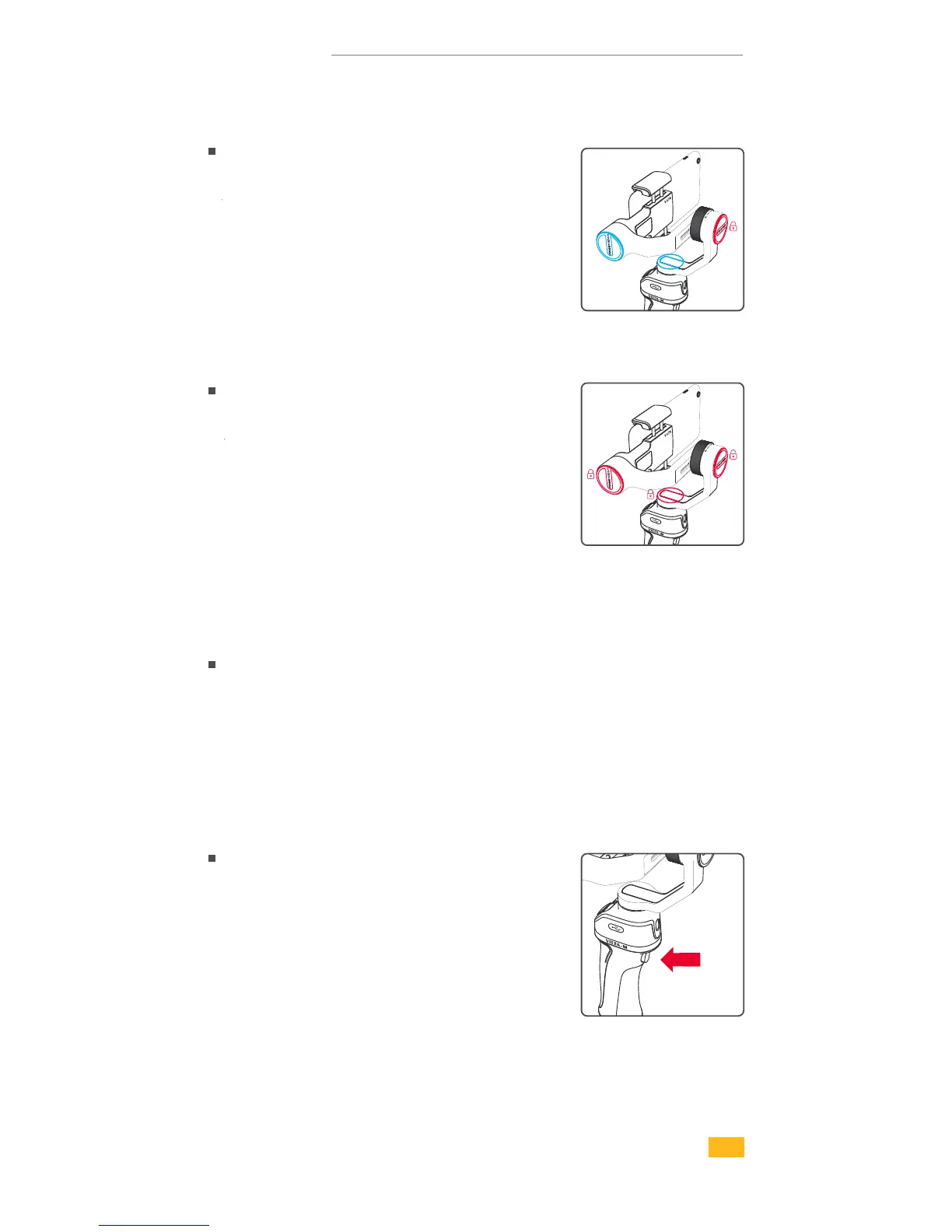
Follow Mode
Double tap Mode Button
Status Indicator is red
Roll Axis is locked. Pan and
Tilt Axes smoothly move with
handle.
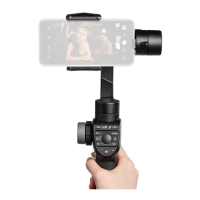
Lock Mode
Quadruple tap Mode Button
Status Indicator is green
Tilt, Roll and Pan Axes are
locked.Smartphone always
keeps the current shooting
direction.
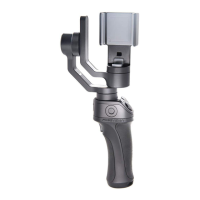
Center the smartphone
Triple tap Mode Button
The smartphone returns
to the front.
Focusing
Long Press
Long press Mode Button.
12


 To Next Page