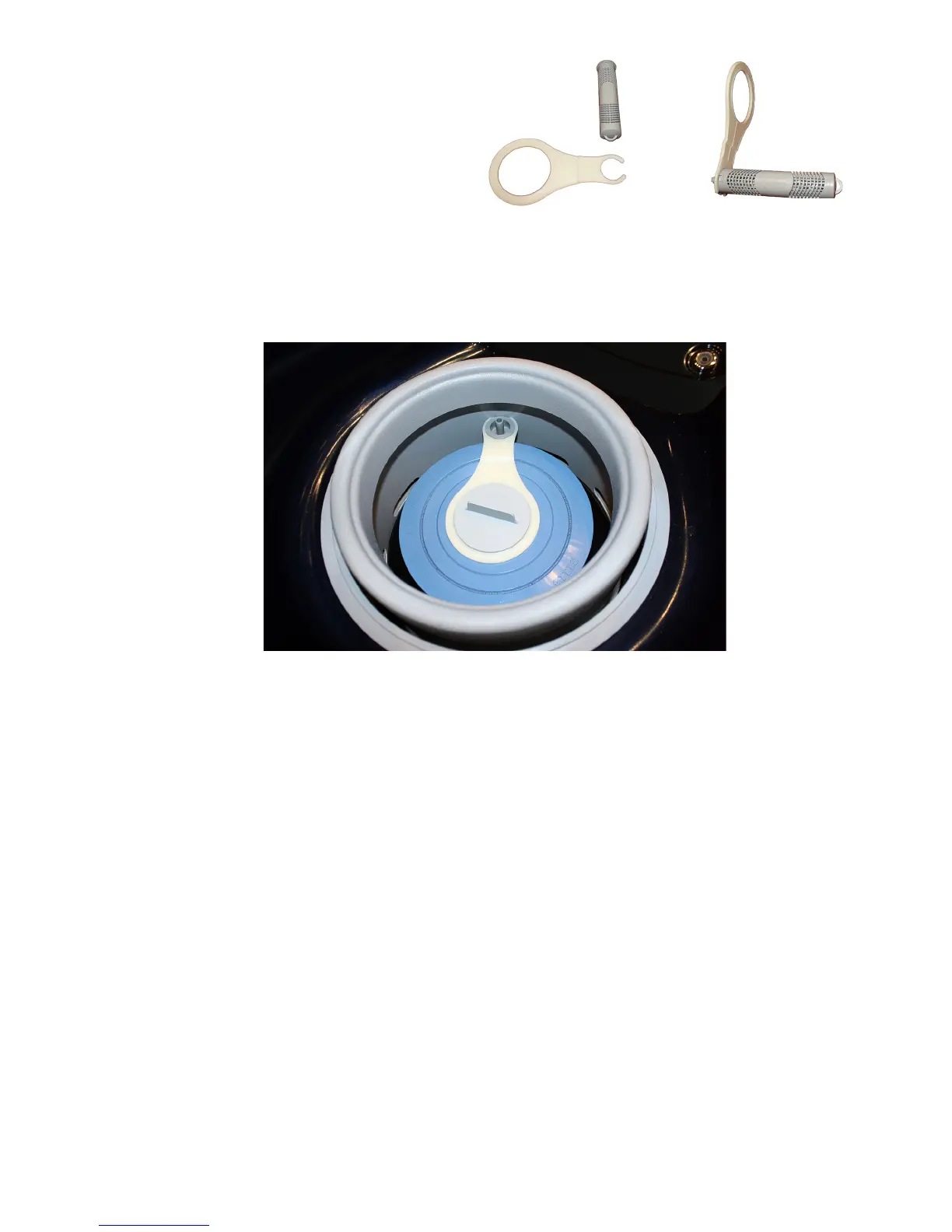
Limelight Installation:
1. Attach the FreshWater
Ag+
Silver Ion
Cartridge to the FreshWater
Ag+
adapter.
2. Remove the lter cap, and cell,
3. Place lter cap into large opening of the
FreshWater
Ag+
adapter. Attach the lter cap.
=
4. Raise weir and lower the FreshWater
Ag+
Silver Ion
Cartridge into small opening of the FreshWater
Ag+
adapter as shown below. Check for any
interference between weir, adapter, and cartridge. Rotate adapter and cartridge if interference
exists.
PN 62808 Rev A ( 7/11)


 To Previous Page