EasyManua.ls Logo

FRIEDLAND FGGA0501WWE - User Manual

FRIEDLAND FGGA0501WWE
78 pages
Print Icon
To Next Page IconTo Next Page
Loading...
© Novar Electrical Devices and Systems Limited (a Honeywell Company) 2013 50083164-001
The Arnold Center, Paycocke Road, Basildon, Essex, SS14 3EA (UK) Rev. A
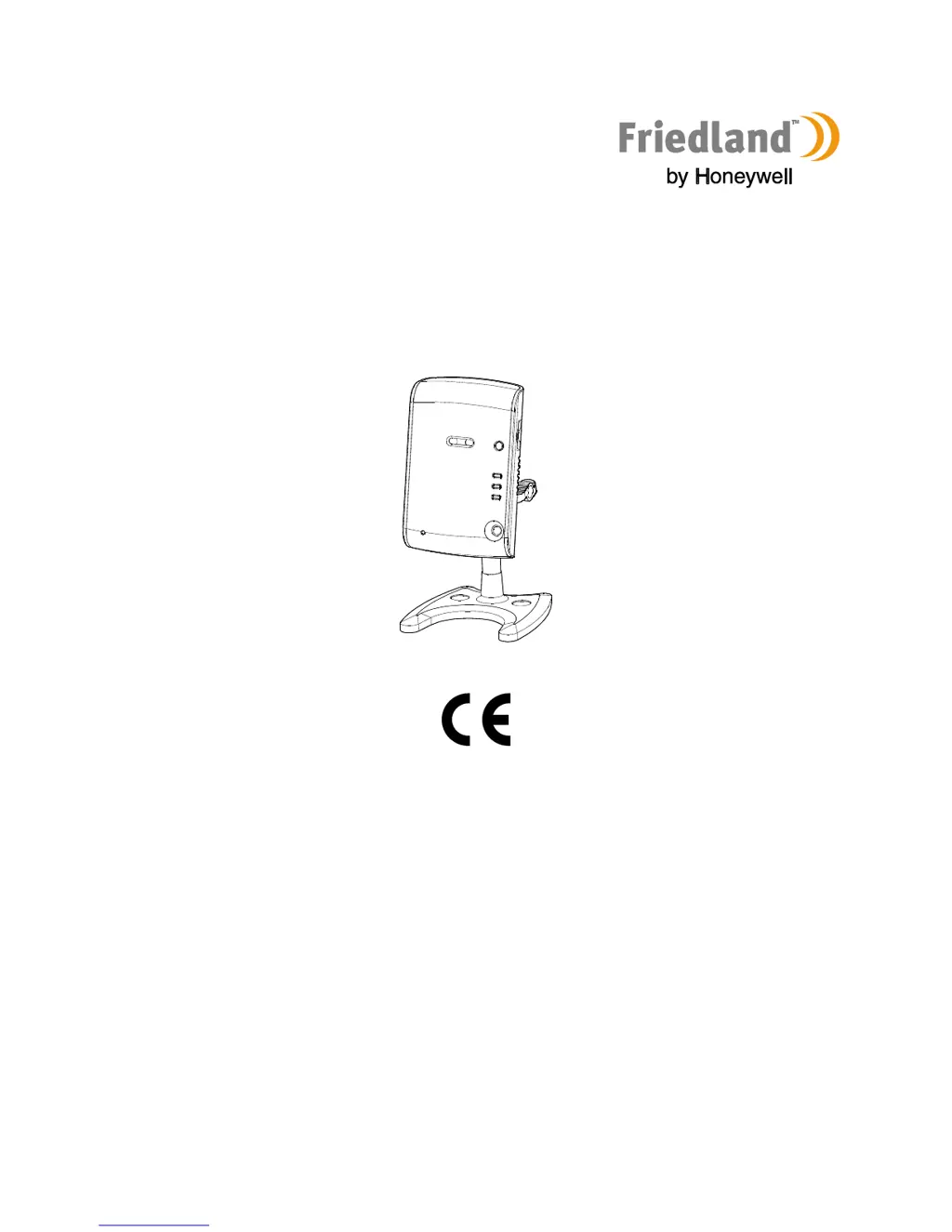
IP Camera |
FGGA0501WWE / FGGA05* Series / HIS5A
ENGLISH Installation and Operation Manual 2
DEUTSCH Installations- und Bedienungshandbuch 13
NEDERLANDS Installatie- en bedieningshandleiding 24
FRANÇAIS Manuel d'installation et d'utilisation 35
ESPAÑOL Manual de instalación y funcionamiento 46
ITALIANO Manuale di installazione e uso 57
PORTUGUÊS Manual de instalação e funcionamento 68

Table of Contents

Other manuals for FRIEDLAND FGGA0501WWE

Questions and Answers

  • D
    David PattersonAug 10, 2025
    Why is the video quality poor and disconnecting/reconnecting on my FRIEDLAND FGGA0501WWE?
    • T
      Tiffany BrownAug 11, 2025
      If you're experiencing poor video quality with frequent disconnections and reconnections while remotely viewing your FRIEDLAND IP Camera, the cause may be insufficient internet bandwidth. Consider upgrading to a better internet connection with a minimum upload speed of 512 kbps from your internet service provider.
  • E
    Edward JohnsonAug 17, 2025
    What to do if the picture quality is poor on FRIEDLAND FGGA0501WWE IP Camera via wireless connection?
    • A
      Angela DiazAug 18, 2025
      If your FRIEDLAND IP Camera's picture quality is poor when connected wirelessly, it could be due to two reasons: * The camera might be too far from the router. Try installing the camera closer to the router. * Too many devices might be connected to the router. Disconnect some devices from the router.
  • M
    Mr. Brian ParsonsAug 26, 2025
    How to stop loud whistling sound from FRIEDLAND IP Camera on PC?
    • M
      Mark FordAug 26, 2025
      If you hear a loud whistling sound from your FRIEDLAND IP Camera on your PC, it's likely because the camera is too close to the PC. To resolve this: 1. Decrease the speaker volume on the PC. 2. Decrease the camera volume.
  • C
    Charles WoodSep 3, 2025
    Why is the internet connection indicator flashing on my FRIEDLAND IP Camera?
    • T
      Tara WilliamsSep 3, 2025
      If the internet connection indicator on your FRIEDLAND IP Camera is flashing, it indicates that the internet connection is not working correctly. Ensure that your internet connection is working correctly.

Summary

Safety

Product Safety

Keep safety warnings, obey regulations, and avoid humid/hot environments or direct sunlight.

Power Supply Unit Safety

Ensure mains voltage matches the rating plate and do not replace the charger unit with a regular plug.

Installation Safety

Wear safety gear, check for wires/pipes, and ensure ladder stability during installation.

Installation

Assembling the Camera

Instructions for attaching the camera to its stand and adjusting its angle.

Installing the Camera

Guidance on camera placement, night vision, and understanding wireless range reduction by walls.

Wireless Connection Setup

Operation

Troubleshooting

Technical Data

FRIEDLAND FGGA0501WWE Specifications

General IconGeneral
BrandFRIEDLAND
ModelFGGA0501WWE
CategoryIP Camera
LanguageEnglish

Related product manuals