5
3.Operation Instruction
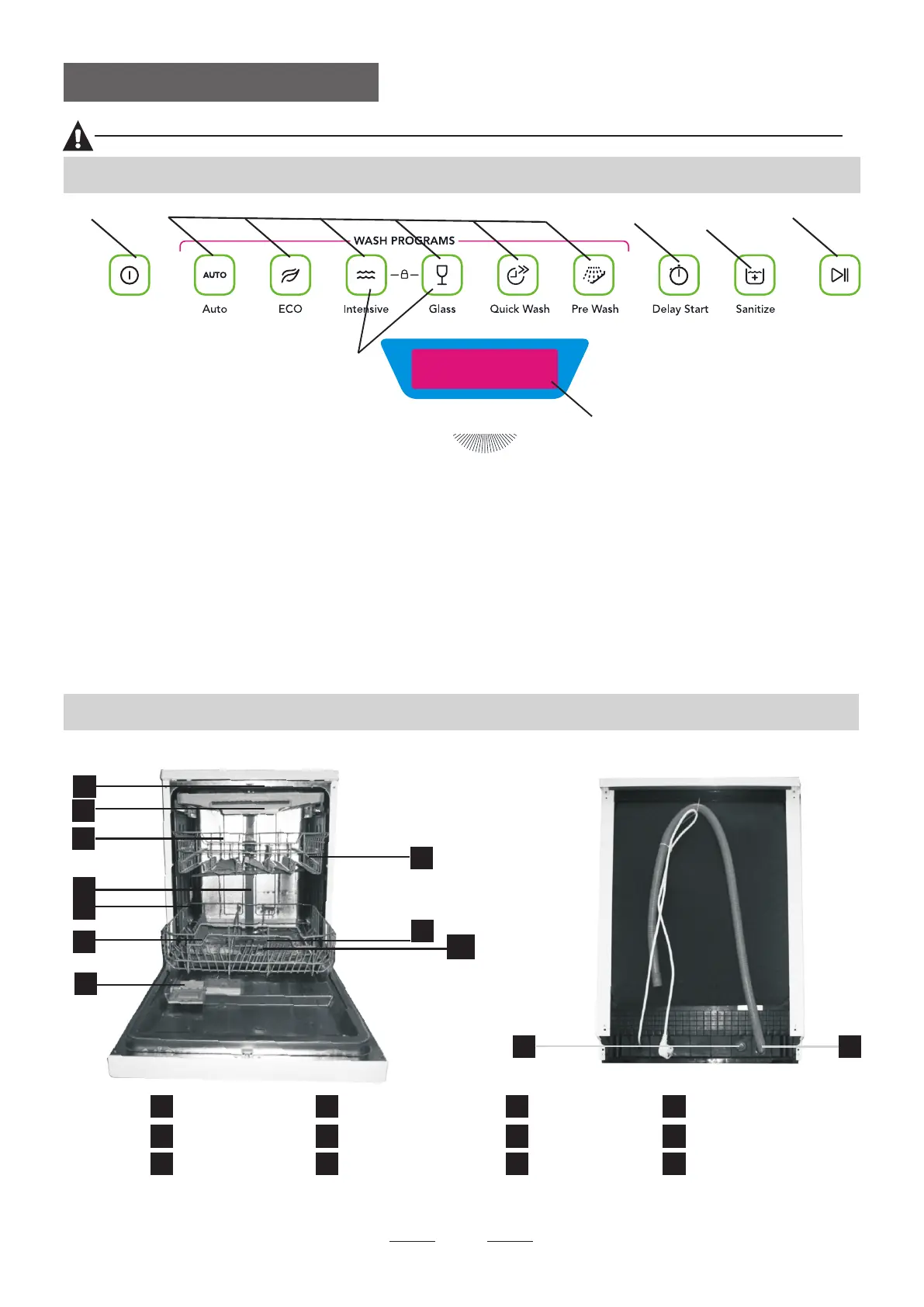
Dishwasher Features
Control Panel
before using it for the first time.
To get the best performance from your dishwasher, read all operating instructions
IMPORTANT
11
12
Back View
1
2
3
4
5
7
8
9
10
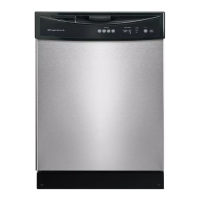
Front view
Lower basket
Salt container
Dispenser
Cup shelf
Spray arms
Filter assembly
Inlet pipe connector
Drain pipe
Upper basket
Cutlery rack
Top spray arm
1
Inner pipe
5
6
7
8
9
10
12
11
3
2
4
6
6.Child lock Button:To press the two button to Prevent the
Child change the Program.
5.Start /Pause Button: To start the selected washing
program or pause the washing program when the machine
is working.
4.Sanitize Button: 70 hight temperature to sterilize.
3.Delay Button : To Press the button to delay:
3 H/6 H/9 H/1 2 H .
1. Power Button: To turn on/off and show the power supply
2.Program Selector : To press the button to select appropriate
Program.
7.Function Screen: To show the delay time, Extra drying ,
Express indicators , program time , Rinse aid and Salt aid
warning.
SpacePro
6
7
1
3 4
5
2



 To Next Page