19
WARNING
When using the cold drink timer, make
sure to remove drinks from freezer
compartment when alarm sounds.
Carbonated drinks may explode if left
in freezer for too long.
CONTROLS AND SETTINGS
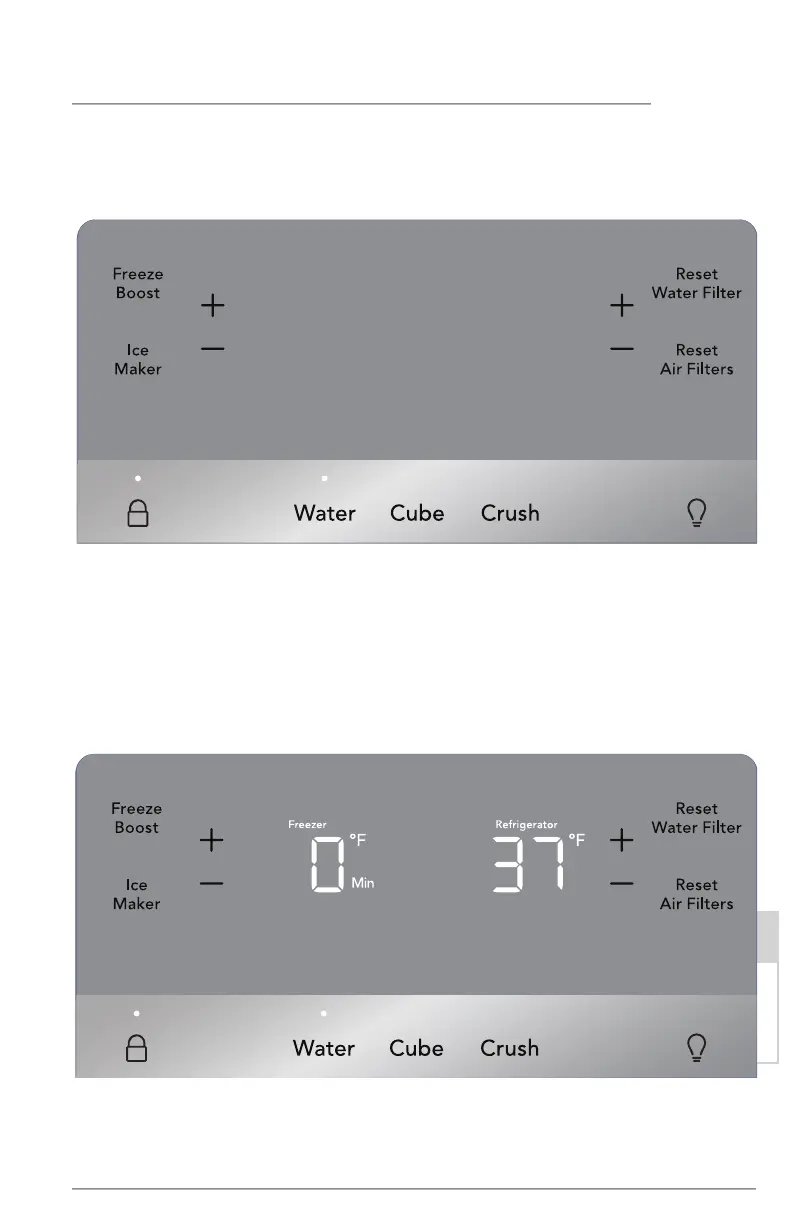
Awake Mode Display
Awake Mode
To change from sleep mode (on) to awake mode (o), simultaneously press and hold
“Crush” and “ Light” icons for 5 seconds. Display will show the current temperature/ice
maker status. Tone will confirm.
Quick
Freeze
Sleep Mode
As a default, the display will go to sleep after a short time. If any icon is pressed, the
display will be awakened. After a short time, it will go back to sleep. When in sleep
mode, wake up the display to confirm ice maker is On/O. Sleep mode can be turned
o to have the display on full time (awake mode). When sleep mode is O, the display
will always be illuminated. To turn sleep mode On/O, simultaneously press and hold
“Crush” and “ Light” icons for 5 seconds. Tone will confirm.
Sleep Mode Display
Quick
Freeze
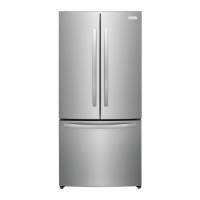
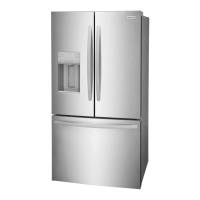
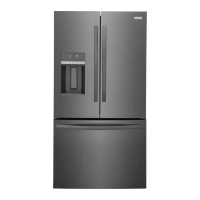
External Water Dispenser Control Display Mode Views



 To Next Page