6
OPERATION
1. COOKWARE
The use of at-bottomed pots, with a diameter
equal to or slightly bigger than the heated area,
is recommended. (image 7). Do not use pots that
have a rough base, in order to prevent the hob
thermal surface from being scratched.
2. CONNECTION TO THE MAINS
When cooktop is connected to power supply, a
long beep will be heard. All LEDs and displays
on the Touch Control will be turned ON for 4
seconds. If the power supply goes out and then
comes back on, the hob will reset and reconnect
as described above.
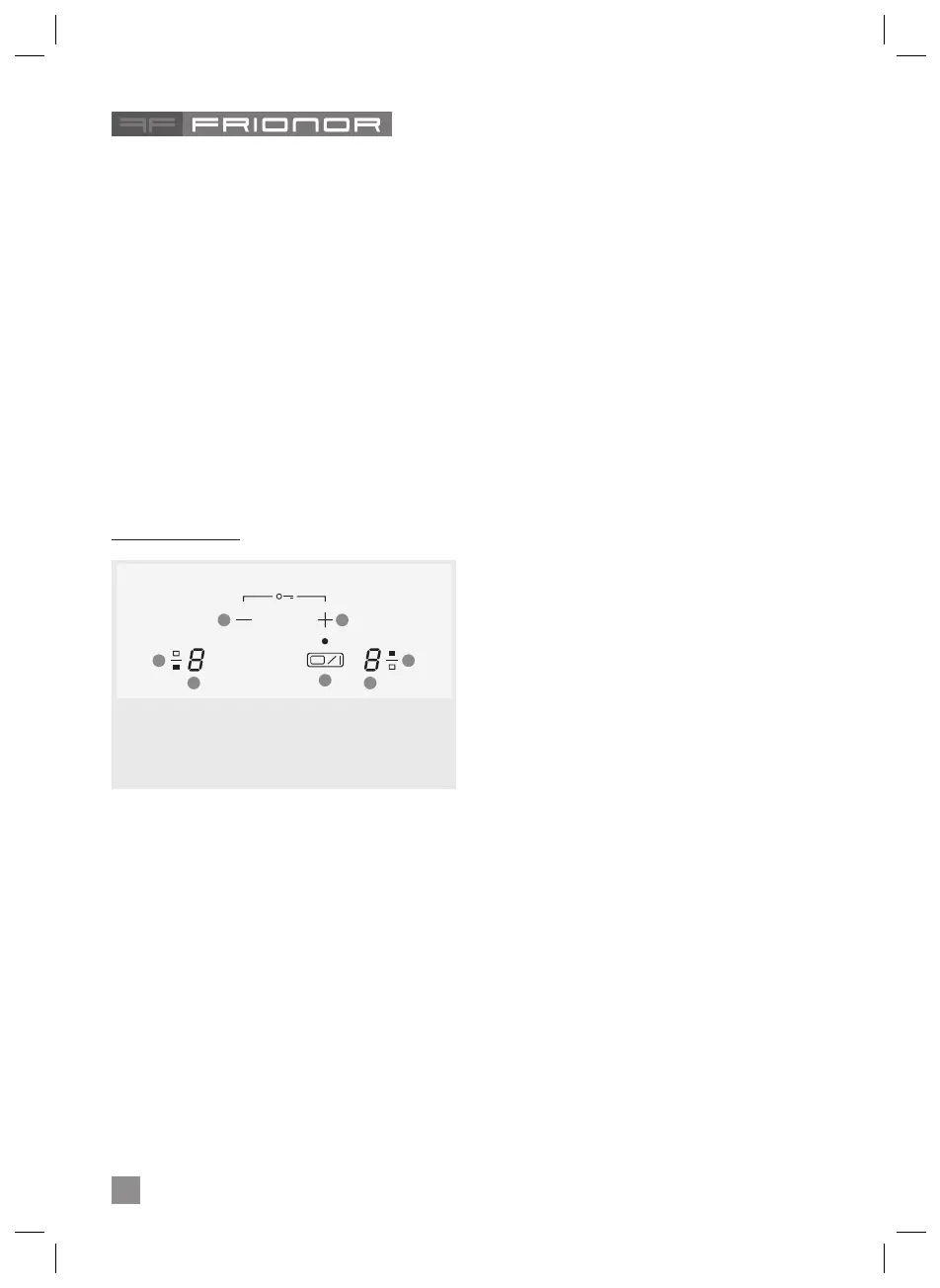
3. CONTROL PANEL
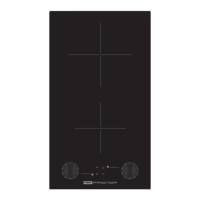
2 Cooking Zones
4. SWITCH ON/OFF KEY OF THE HOB
When cooktop is o and unlocked, touching for 1
second the ON/OFF key, all heaters will switch on
showing 0 power level. 1 short beep will be heard.
When cooktop is o, unlocked and indicating
residual heat ‘H’, when ON/OFF key is touched
properly, 2 short beeps will be heard, and ‘H’ re-
sidual heat indication will be seen.
When cooktop is on and unlocked, touching ON/
OFF key as required, all cooking zones will be
switched o. 4 short beeps will be heard.
When cooktop is o and locked, touching ON/
OFF, key as required, will not have any eect.
5. SWITCH ON/OFF A HEATER ZONE
If any cooking zone remains in level ‘0’ for 10 sec-
onds, then it will switch o automatically and 4
beeping sounds will be heard.
If a cooking zone, whose display indicates resid-
ual heat, is switched ON, then its indication will
change to ‘0’ level. If lock function is active, you
cannot switch ON any zone.
If there is residual heat indication on a cooking
zone which is OFF, then ‘H’ will continue to be
displayed until the zone is cooled down.
Even when lock function is active, you can still
switch OFF a zone.
If only one cooking zone is active and this one
is switched o, 4 short beeping sounds will be
heard indicating that the entire cooktop is OFF.
6. SELECTING A ZONE
Touching the heating zone selection control, a
digital indicator next to the key will show ‘0’ and
a short beeps will be heard.
7. INCREASE / DECREASE POWER LEVEL
With a short press on ‘+’ or ‘-‘ keys, Increase or
decrease power in the selected zones digit.
Access directly to ‘P’ from ‘0’ level by pressing
– key.
With continuous press of “+” or “-“ key, power
level increases/decreases continuously.
With continues pressing of “+” key, the power
level stops at level 9, and for a higher power an-
other short press of “+” key is needed. No beep-
ing sound is heard with continuous power level
increase/decrease.
Once the power reaches level ‘P’, pressing ‘+’
key again does not change power level to ‘0’.
When a hot cooking zone’s power is leveled
down to ‘0’, then after 10 seconds, the indication
‘H’ will appear on its display.
A. ON / OFF key
B. Power increase key
C. Power decrease key
D. Zone selection key
E. Cooking zone power display
A
C
D
E E
D
Β


 To Next Page
 Loading...