CUSTOMER INSTRUCTION
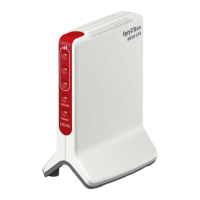
Setting up your FRITZ!Box on a connection with ONT
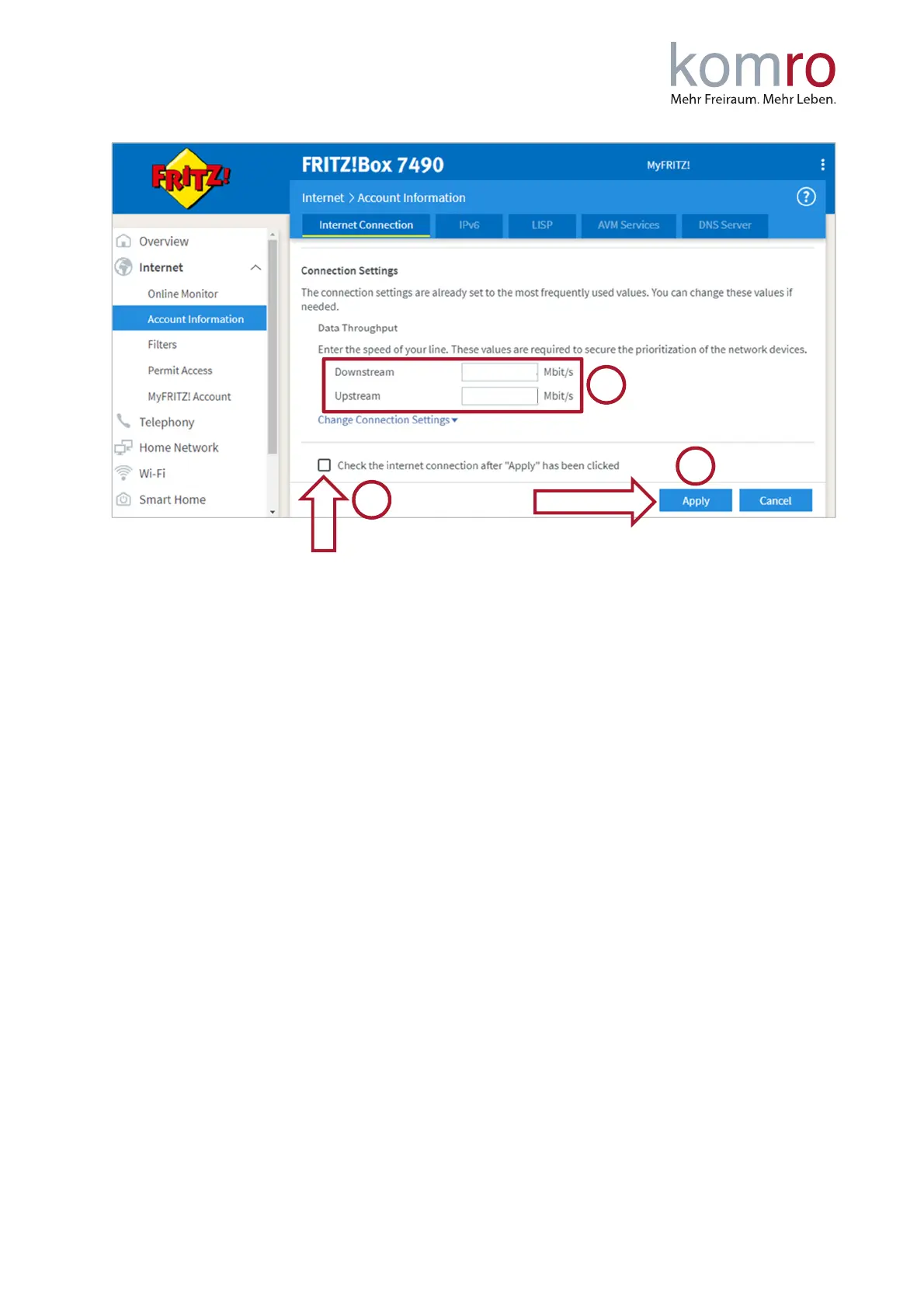
You will then receive a warning message that the "WAN" socket or the "LAN1" socket is now being
used for the Internet connection. Please confirm this with "Ok".
The FRITZ!Box is now set up and the Internet connection should already be working.
If there is still no internet connection possible, we recommend restarting FRITZ!Box and the fiber optic
modem (ONT). To do this, disconnect both devices from the power supply for a short time (30
seconds).
The Internet phone numbers are set up automatically on FRITZ!Boxes received from komro. If you use
your own device, you can use the instruction “Internet telephone number setup customer
instructions”.



 To Previous Page