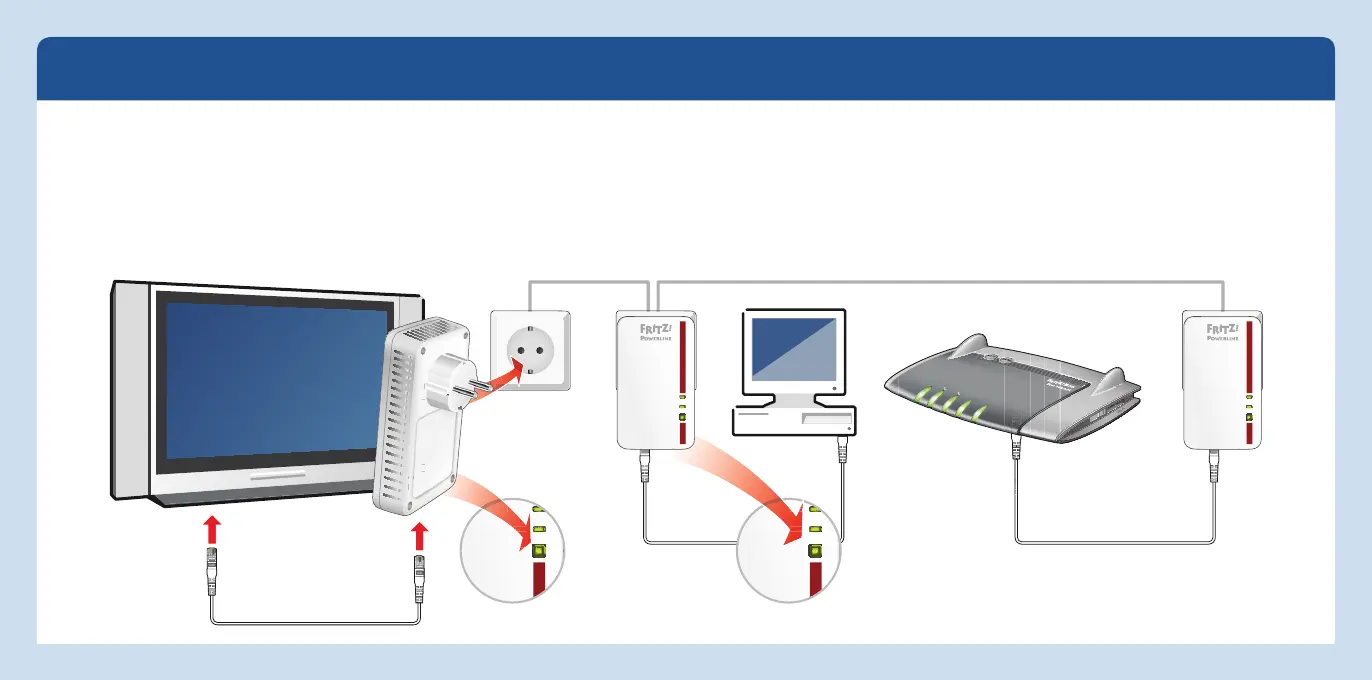
Integrating additional
powerline devices
Power
LAN
Powerline t Security
Power/DSL
Internet
Festnetz
WLAN
Info
Powerline network with FRITZ!Powerline 1000E Set
Power
LAN
Powerline t Security
Power
LAN
Powerline t Security
Power
LAN
Powerline t Security
Expanding the Powerline Network of the FRITZ!Powerline 1000E Set
1. Plug the powerline device that is to expand the net-
work into an electrical outlet.
Note that the network can achieve its full potential per-
formance on
ly with additional FRITZ!Powerline1000E
or other gigabit class powerline devices.
2. Press the “Security” button for onesecond to establish
a new connection.
3.
Within two minutes, press the Security button on a
powerline device already connected to your existing
powerline network and hold it down for onesecond.
12 13
English
English



 To Next Page