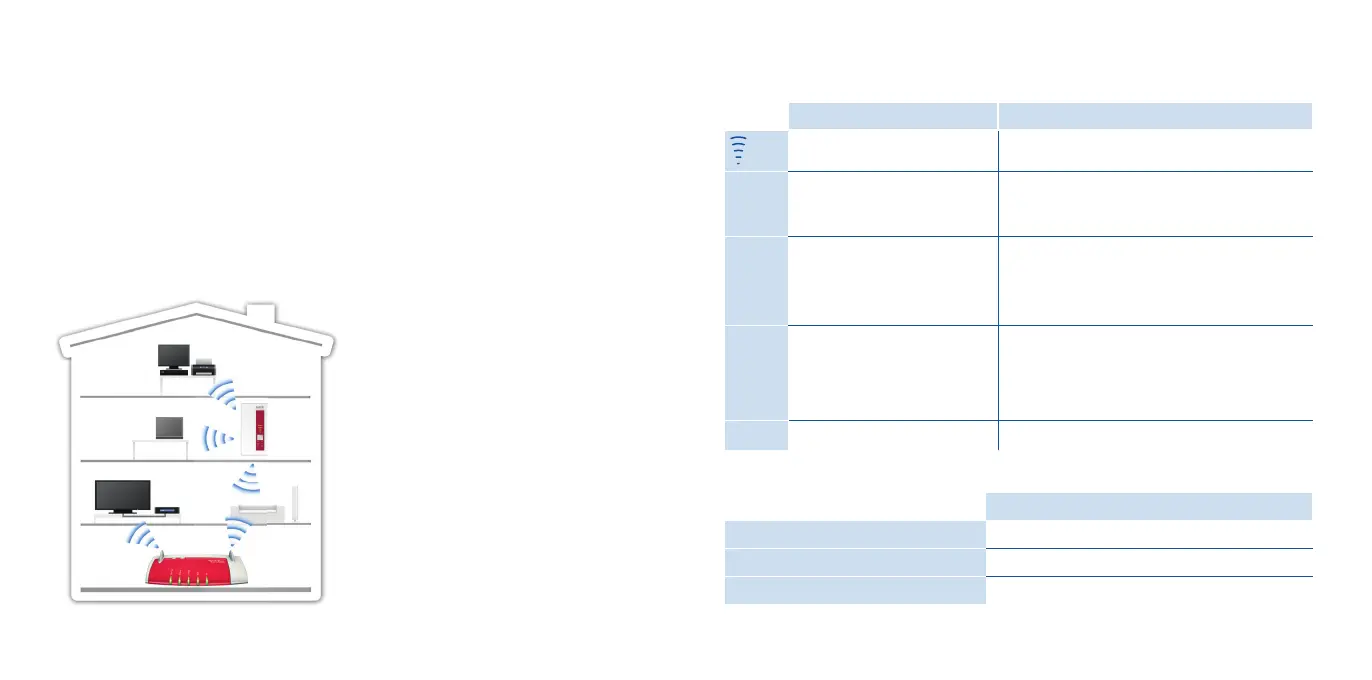
FRITZ!WLANRepeater 1160 in a home network
This Is the FRITZ!WLANRepeater1160
This quick introduction presents the possibilities for deploying and operating your new
FRITZ!WLANRepeater1160. Comprehensive information and technical details are pre-
sented in the PDF manual available on our website at en.avm.de/service.
The FRITZ!WLAN Repeater 1160 is a wireless repeater that extends the range of your
wireless network. Computers, tablets, Smart TV and other wireless devices can use the
FRITZ!WLANRepeater 1160 as the access point to your internet router and the home
network. In the FRITZ!Box home network, the FRITZ!WLAN Repeater 1160 automatical-
ly adopts the FRITZ!Box‘s settings. With a FRITZ!Box that has FRITZ!OS 6.90 or higher
installed, you can also benefi t from expanded Mesh WiFi functionality. More detailed
information about the benefi ts and the confi guration of Mesh WiFi is presented at
en.avm.de/mesh-networking.
The FRITZ!WLAN Repeater 1160 comes
with a user interface which you can open
in a web browser on all connected devices.
Have fun with your
FRITZ!WLANRepeater1160!
LEDs and Buttons
The LEDs show the operating status:
on fl ashing
Quality of the wireless radio
signal
Connection to the wireless access point is
interrupted
Power FRITZ!WLANRepeater 1160
is ready for operation
• The FRITZ!WLANRepeater 1160 is being
started
• Updating FRITZ!OS
WLAN
Wireless LAN function
enabled
• WPS in progress;
fl ashes fast: WPS was aborted
• Enabling Mesh WiFi
• Adopting the wireless LAN settings
Info Can be confi gured in the
user interface: Wireless
guest access enabled or
device registered on guest
access
all
Loading factory settings
The FRITZ!WLAN Repeater 1160 is operated using the WPS button:
Press the WPS button
Initiate WPS / Enable Mesh WiFi
1second
Connect with another access point
6seconds
Factory settings
15seconds
76















 To Next Page