4
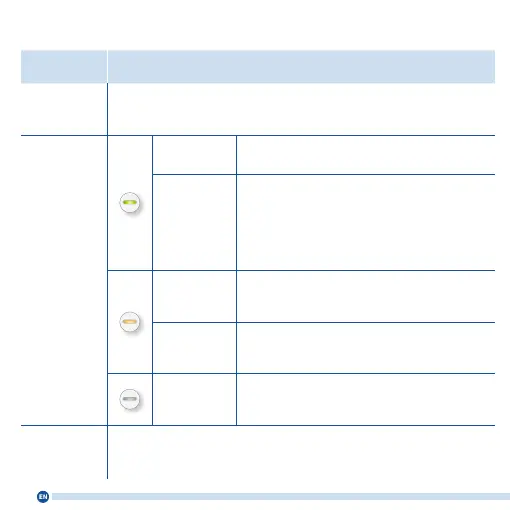
LED
Meaning Function
“Connect”
button
Press for 1 second:
Start connecting
Press for 6 seconds:
Connect with other
access point
Press for 15 seconds:
Factory settings
LED
on connected with FRITZ!Box, good connection
ashing
• slowly (every 2 seconds): not connected with
FRITZ!Box, no Wi-Fi connection set up
• fast (twice per second): WPS, restart or up-
date in progress
on weak connection to FRITZ!Box
ashing connection to FRITZ!Box interrupted
o
• Wi-Fi disabled
• schedule enabled (wireless bridge)
“LAN” socket Connect network devices or internet router via cable















 To Next Page